Dashboard
The dashboard enables you to:
- Create custom shortcuts to frequently used pages
- Organize your workflow with color-coded tags
- Set a personalized home page for your profile
- Improve navigation efficiency
Creating Tag Groups
Before setting up your dashboard, you should create tag groups that correspond to your activities. You can now add colors to these tags for better organization.
To access the tag groups page, navigate from the main menu: Set the reference framework → Libraries and modules → Libraries → Tags.
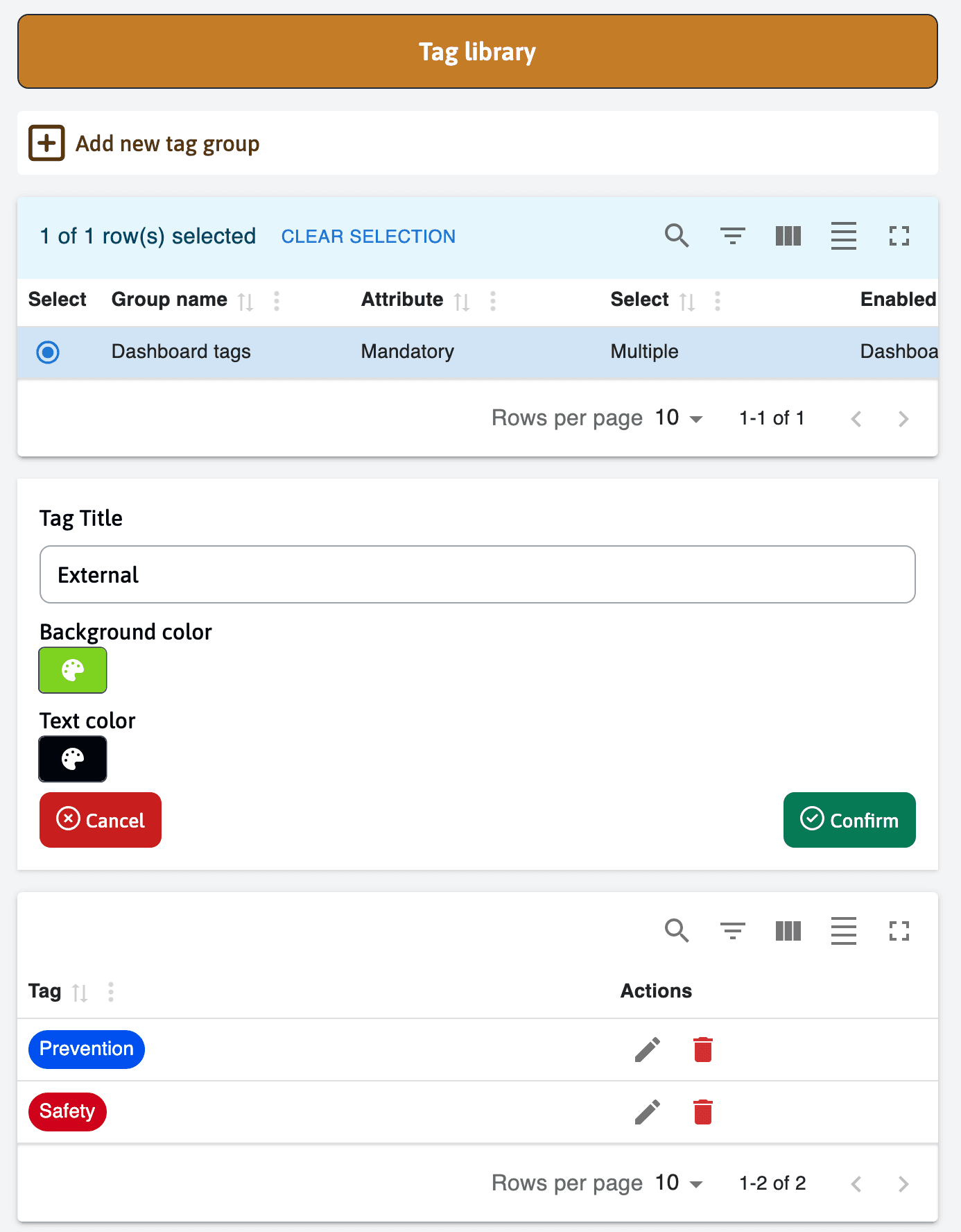
Accessing Dashboard Settings
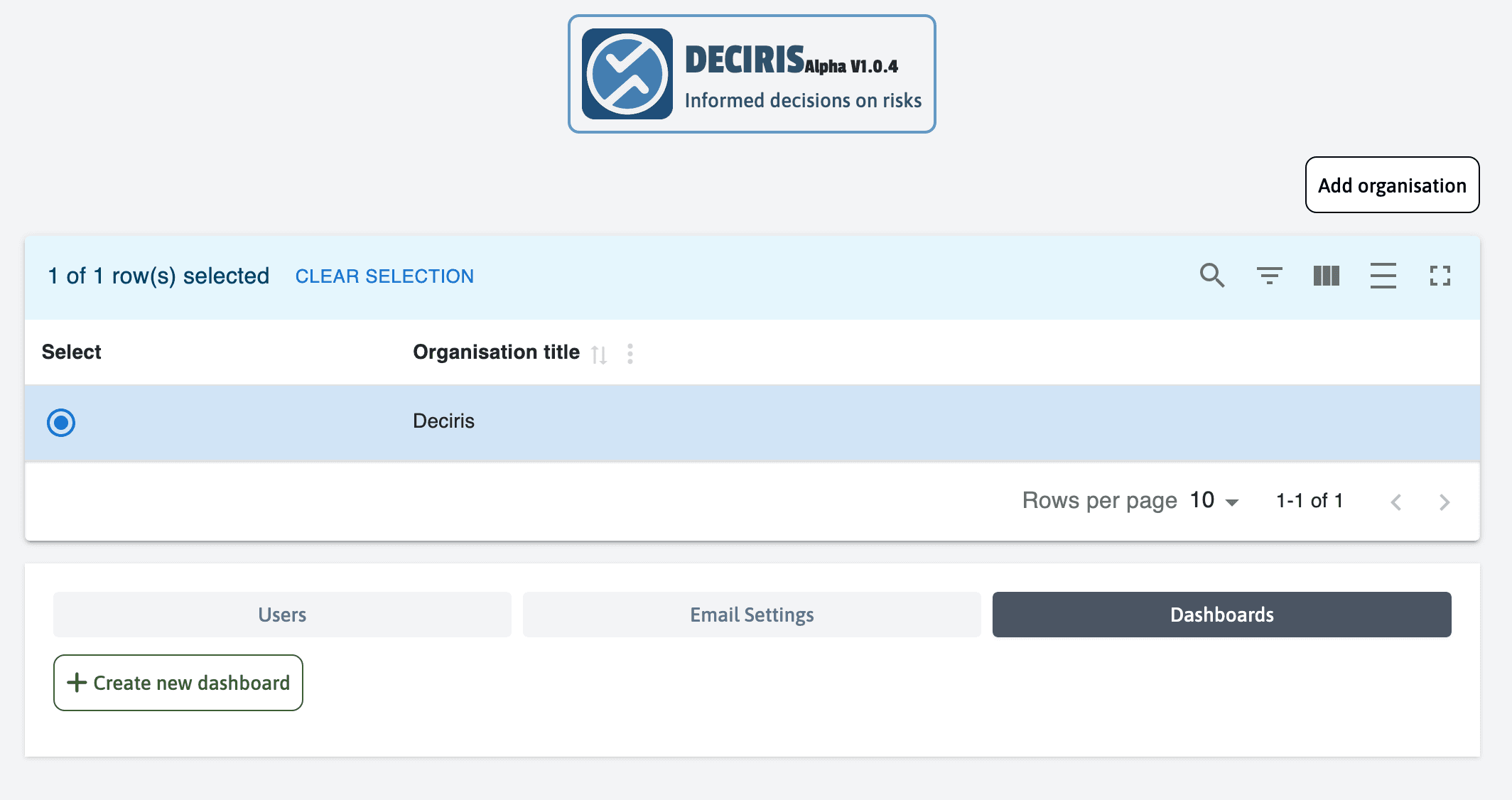
Navigate to the organization menu and select your organization. You will see the “Dashboards” menu option.
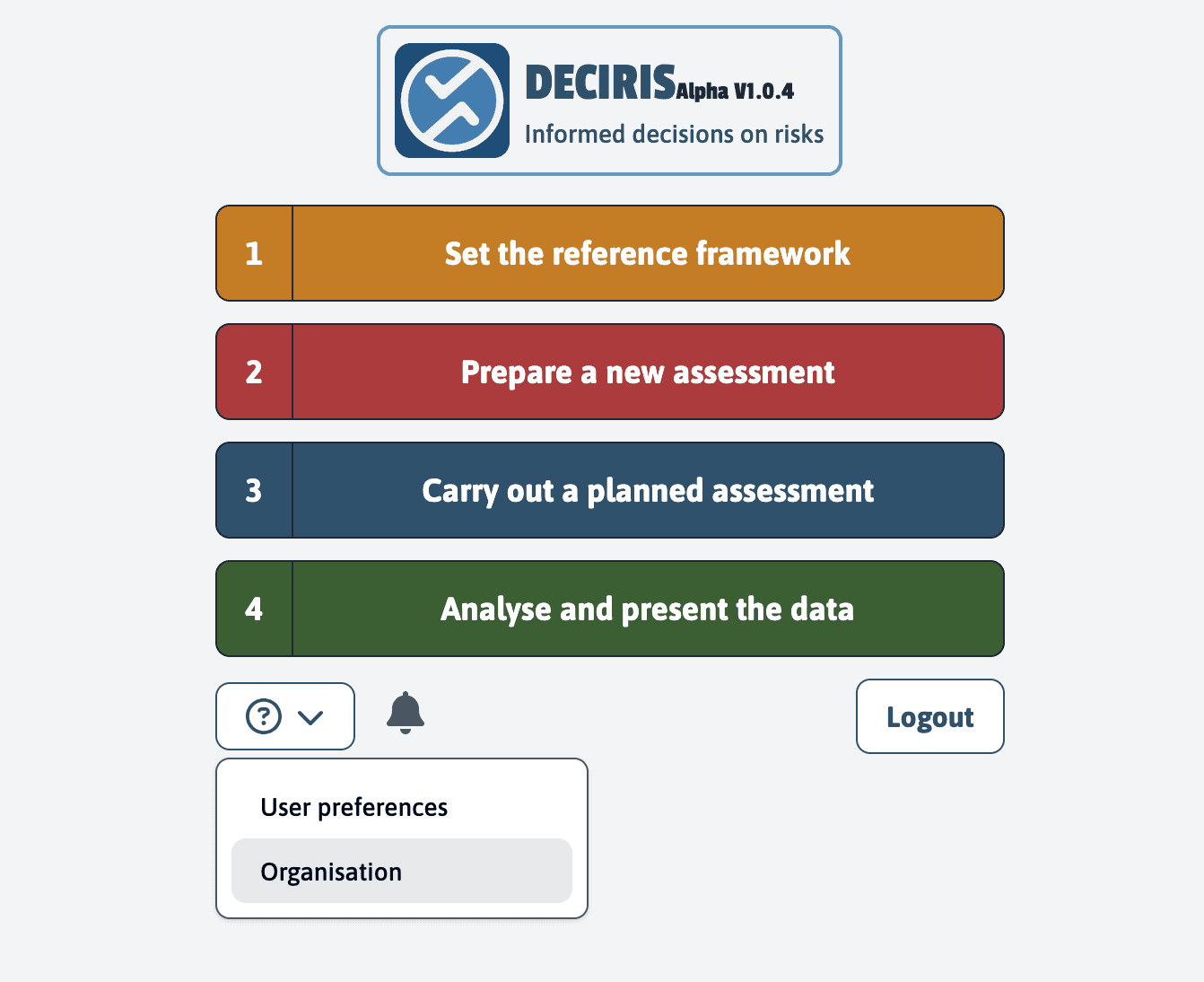
Creating a New Dashboard
Click on “Create a new dashboard” to begin the setup process.
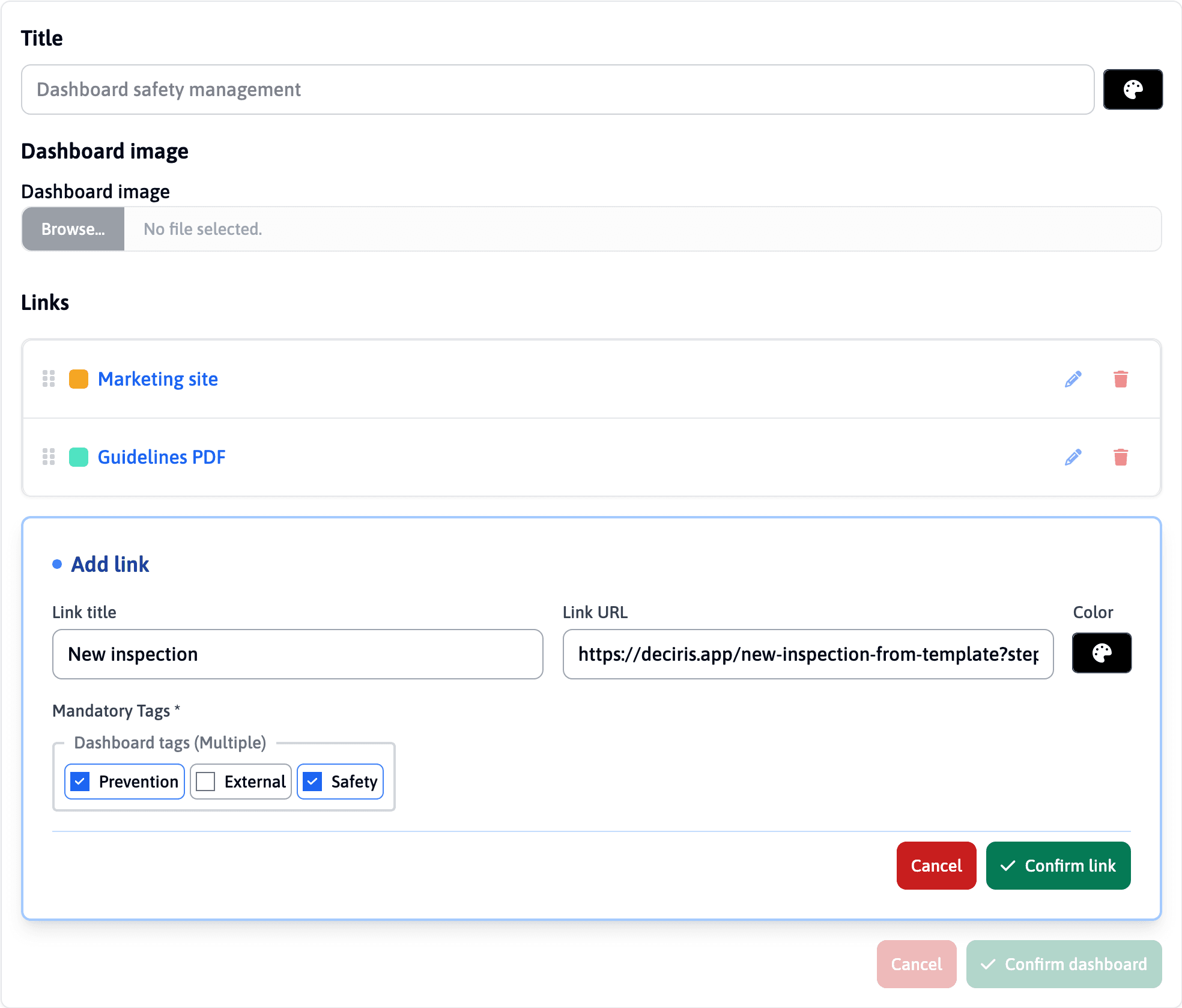
Choose a main title that will be visible on your dashboard and select an image to represent it.
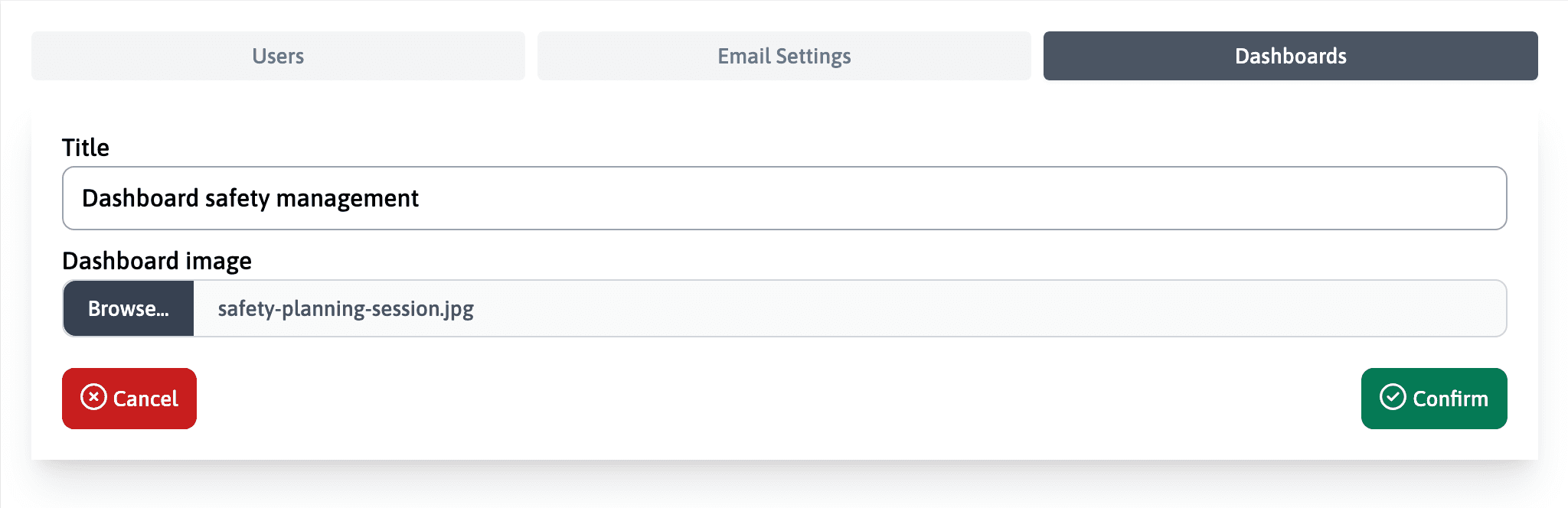
Adding Dashboard Links
Add links one by one that serve as shortcuts to application pages. You can also include the tags you created initially and choose colors for each link.
For shortcuts, you need to copy the address from your browser that will take you directly to the assessment preparation page (entity selection with the correct pre-selected form).
Activating Your Dashboard
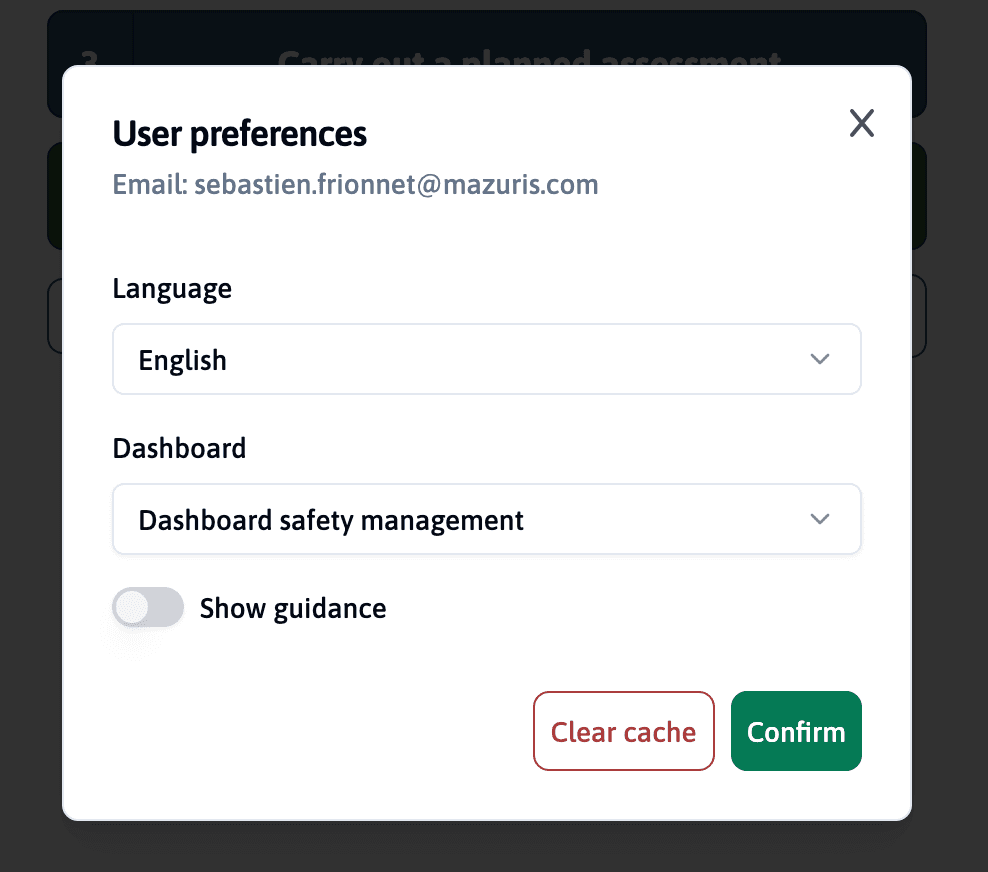
Once your dashboard is finalized, each user can choose to activate it under their profile. It becomes the main page when you log in.
Navigating with Your Dashboard
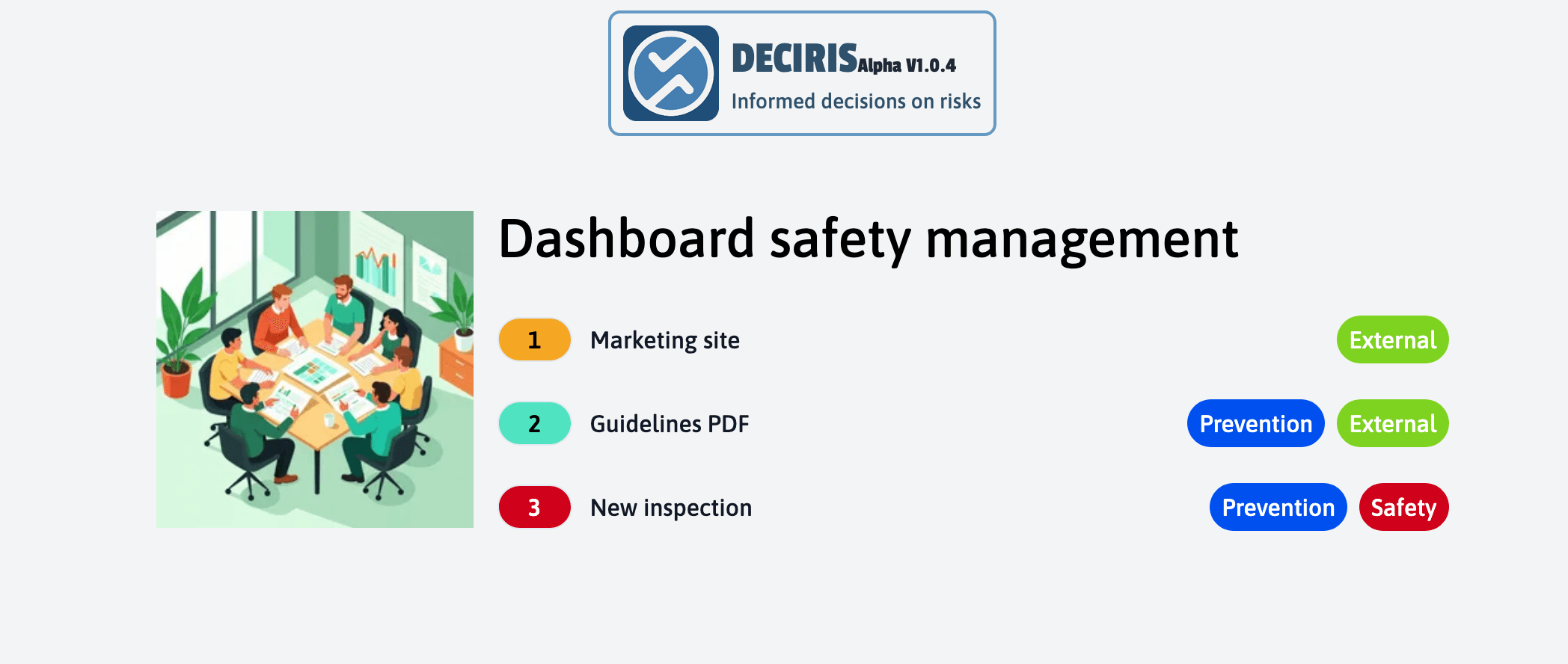
Your custom dashboard will now serve as your home page, providing quick access to your most frequently used features and workflows.
Returning to Main Menu
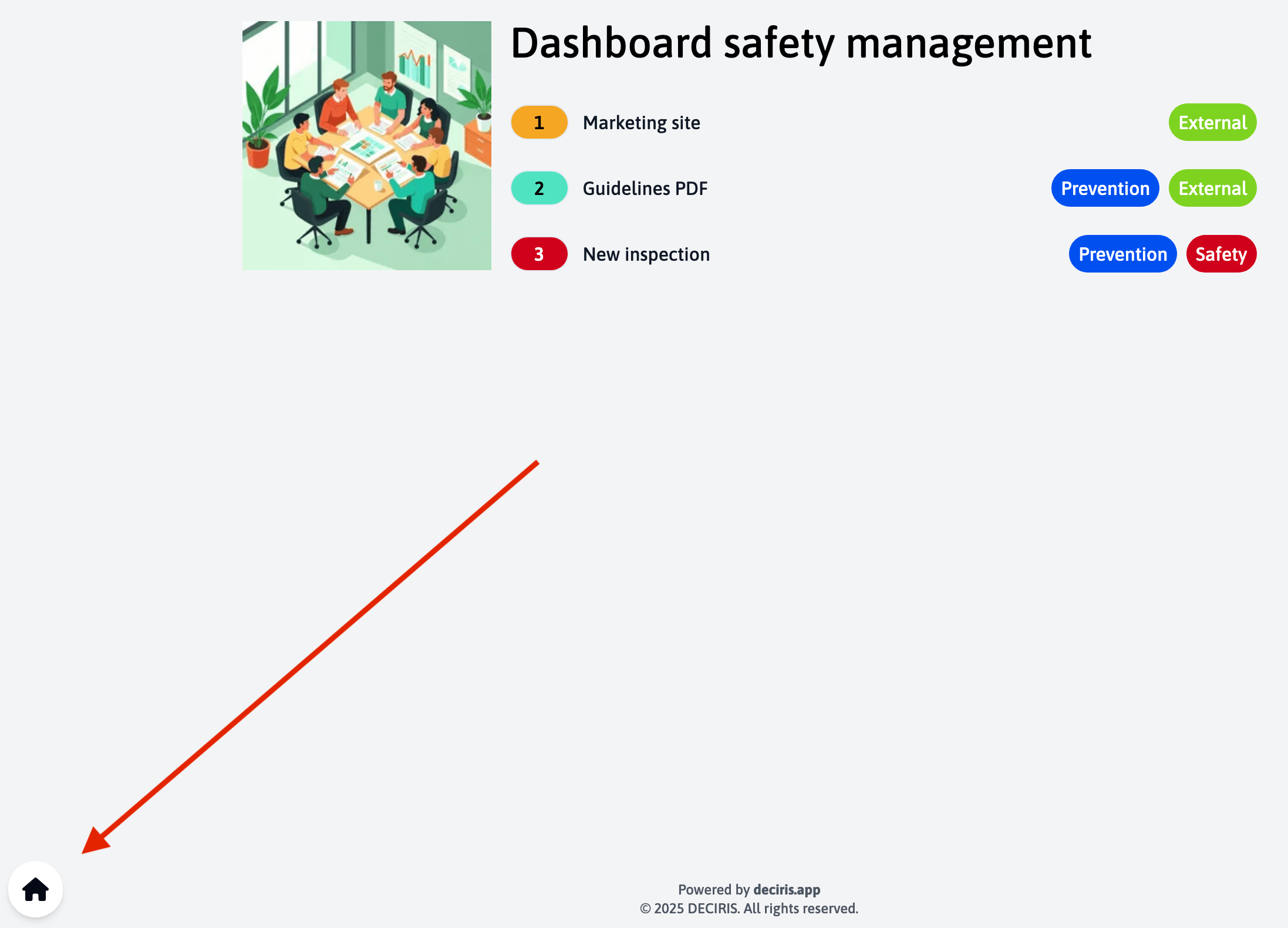
To return to the main menu, you can click on the “home” icon located at the bottom left of the screen.
Benefits of Custom Dashboards
- Improved Efficiency: Quick access to frequently used features
- Personalized Workflow: Organize tools according to your specific needs
- Visual Organization: Color-coded tags and links for better navigation
- Streamlined Experience: Reduce clicks and navigation time
The dashboard feature is designed to enhance your productivity by providing a personalized starting point that adapts to your specific assessment workflows and organizational needs.