Prepare an Assessment for Offline Use
This section requires you to have added the offline module to your template. Click here to see how to add a module to a template.
The offline module allows you to prepare an assessment for offline use. This is useful when you are going to a location where you do not have internet access.
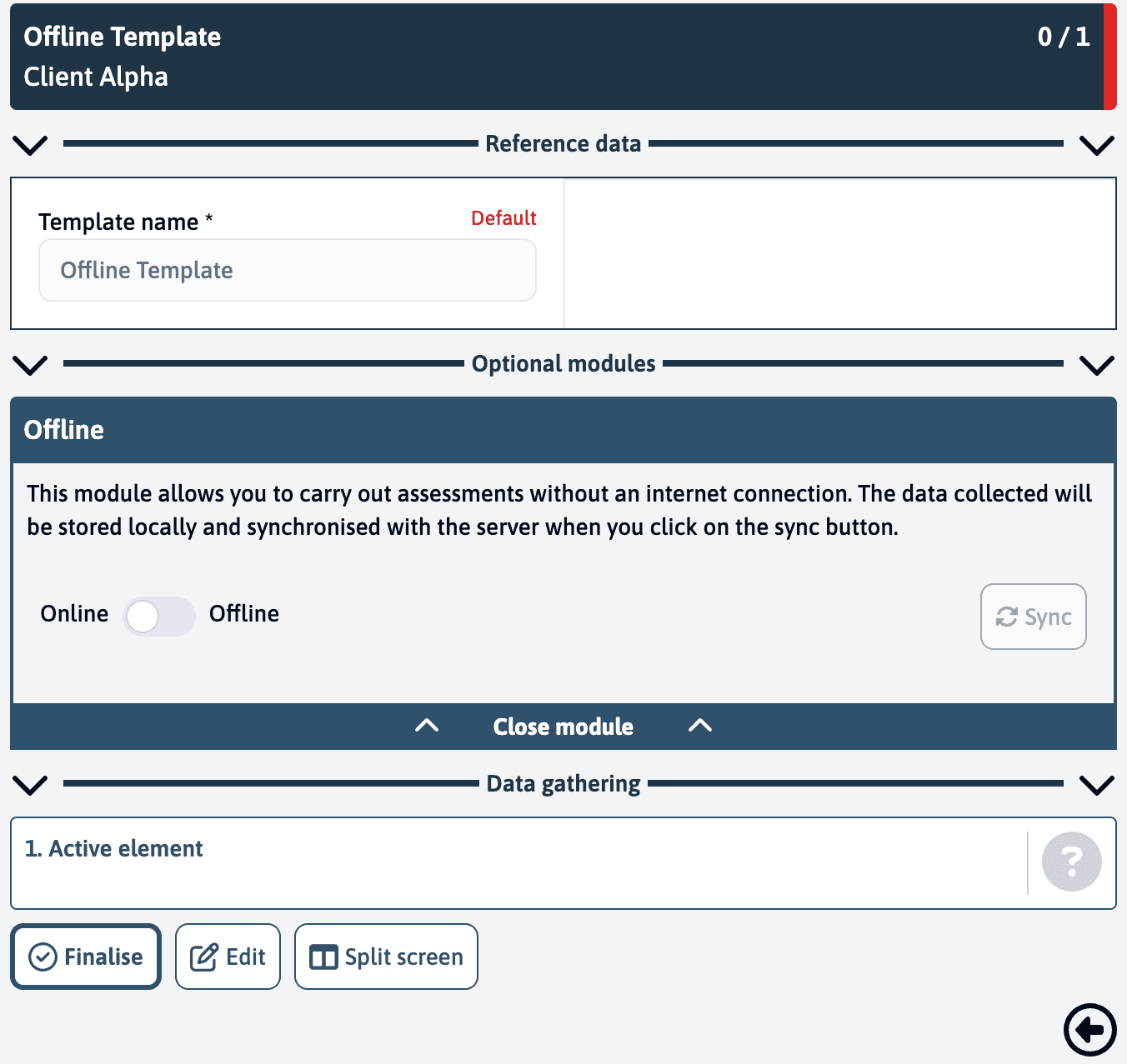
On the blue assessment page, you will see a toggle button inside the offline module. Toggle this button to mark the assessment for offline use.
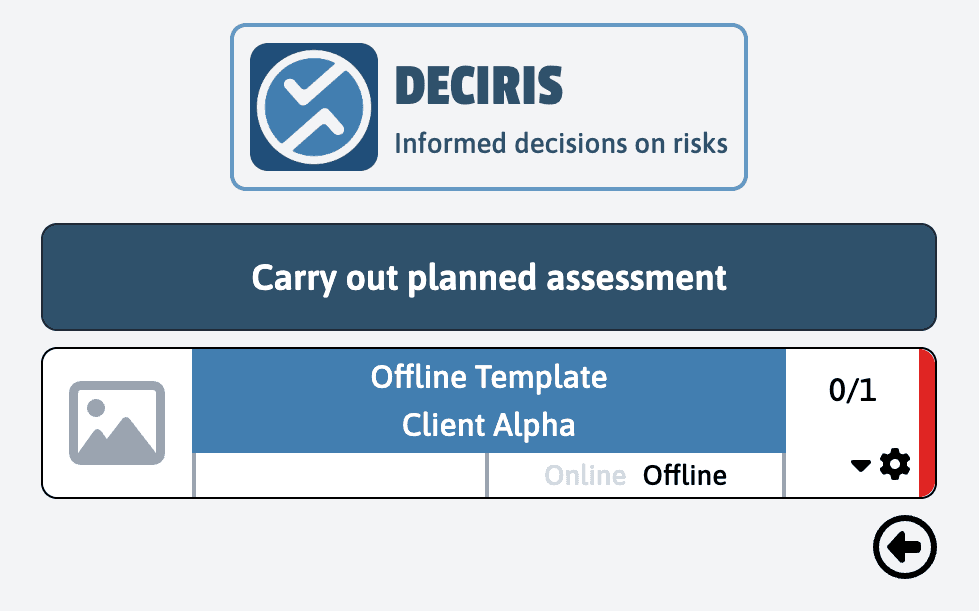
When you go back to the planned assessment list page, you will see that the assessment is marked as offline.
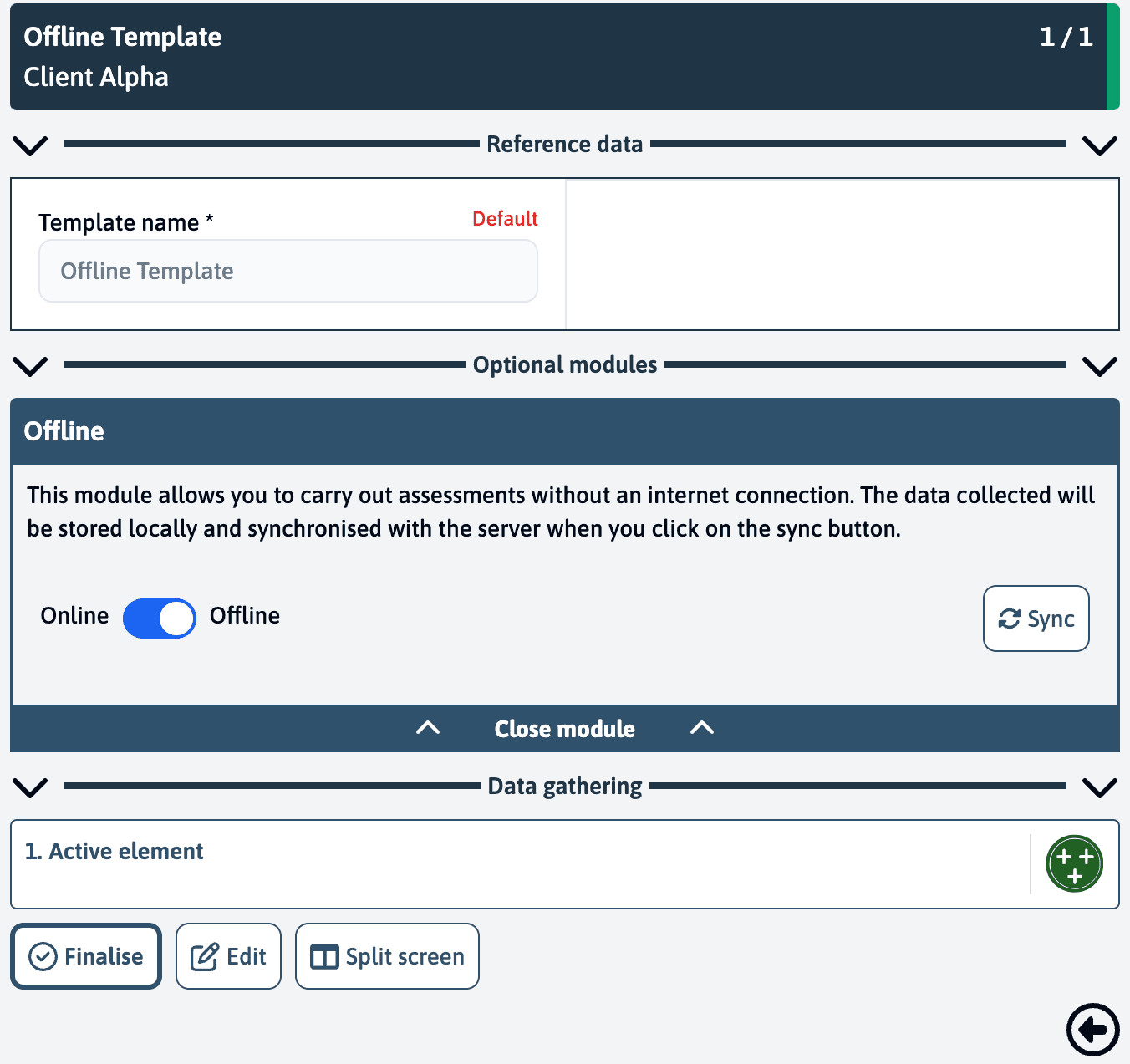
When you’re back online, you can sync the assessment by clicking the sync button inside the offline module.
When the assessment is in offline mode, there will be no connection between your device and the server. This means that you will not be able to see any changes made to the assessment on another device.