Charts
Adding Charts to DOCX Templates
You can add charts to your DOCX reports by using the chart tag with the element ID. This allows you to display visual representations of your data directly in the generated reports.
{%elements['jyNMtaxCcnn4vpMJg'].chart}Replace jyNMtaxCcnn4vpMJg with the actual ID of your element to display its chart in the document.
Chart Editor Module
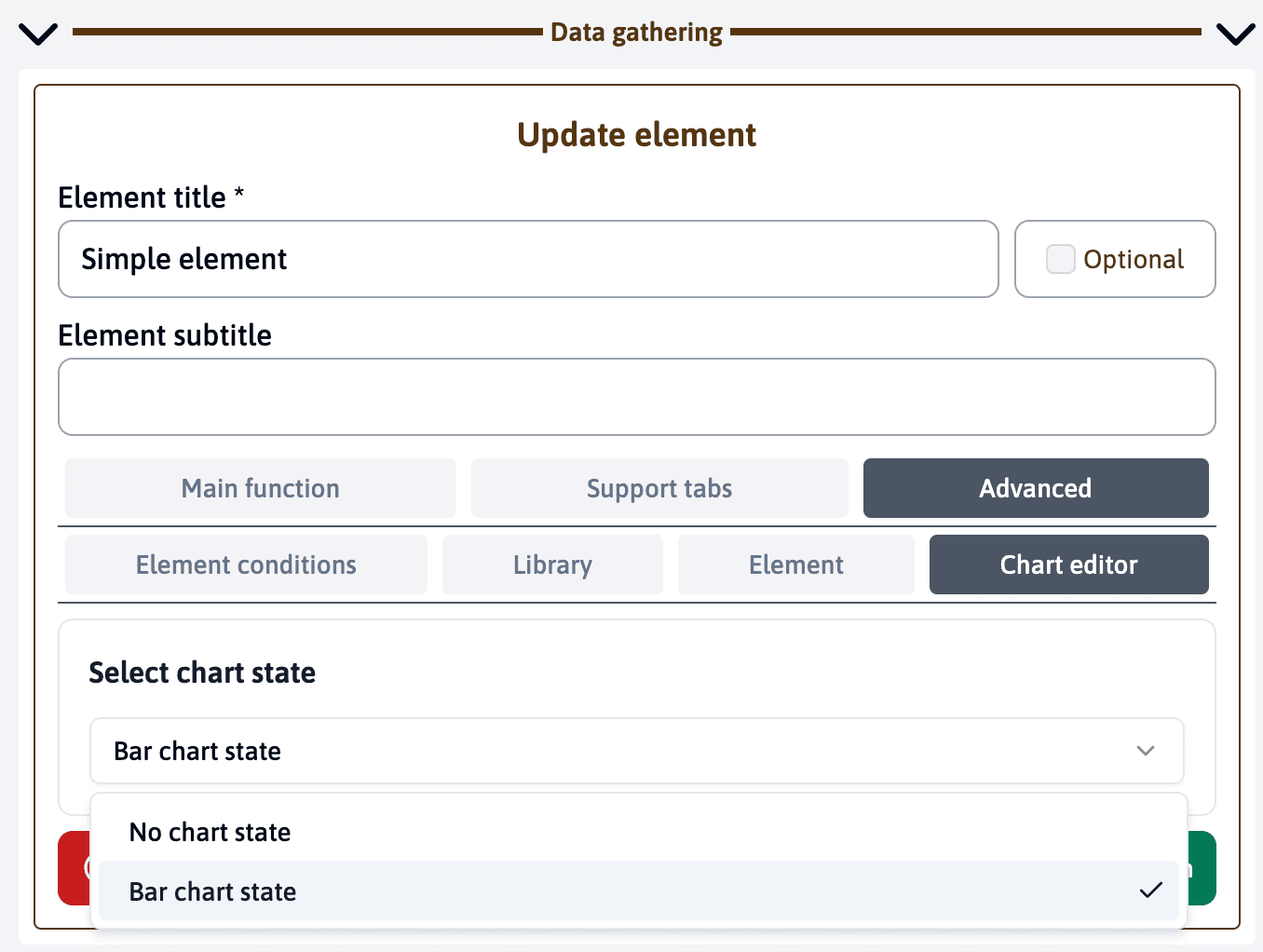
If you have added the Chart Editor module to your template, you can customize the appearance of your charts by adding chart states to elements under the advanced tab.
This feature allows you to apply custom styles, colors, and formatting to your charts, giving you more control over how they appear in your DOCX reports.
Last updated on