Add fields to a form
⚠️
This section requires having created generic fields, click here to see how to create generic fields.
To add a field to a form that you have previously created, follow these steps:
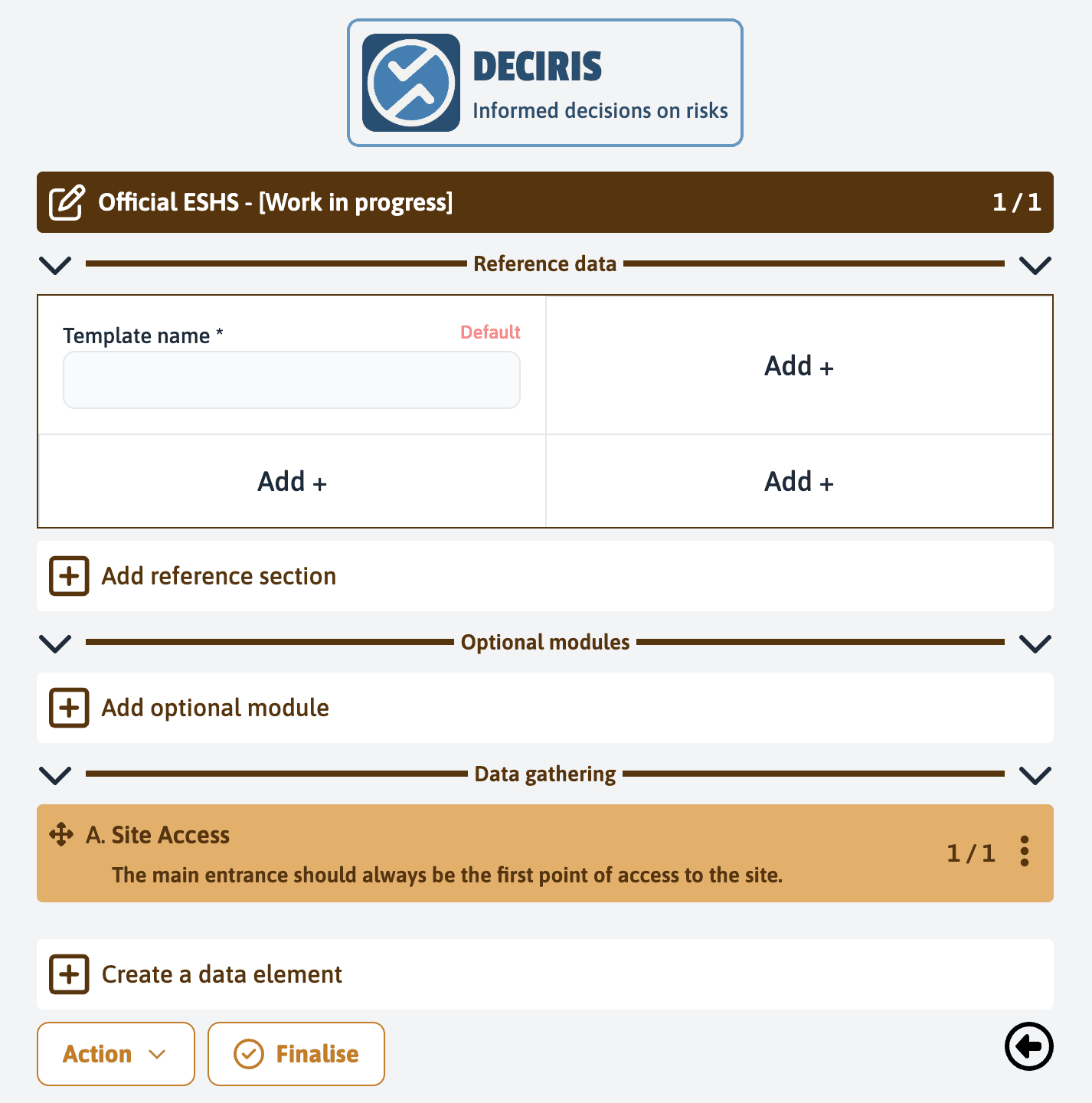
Open the form to be modified, like “Official ESHS - [Work in progress]”, by clicking on it.
In the “Reference data” section, click on “Add +” to open the list of available fields.
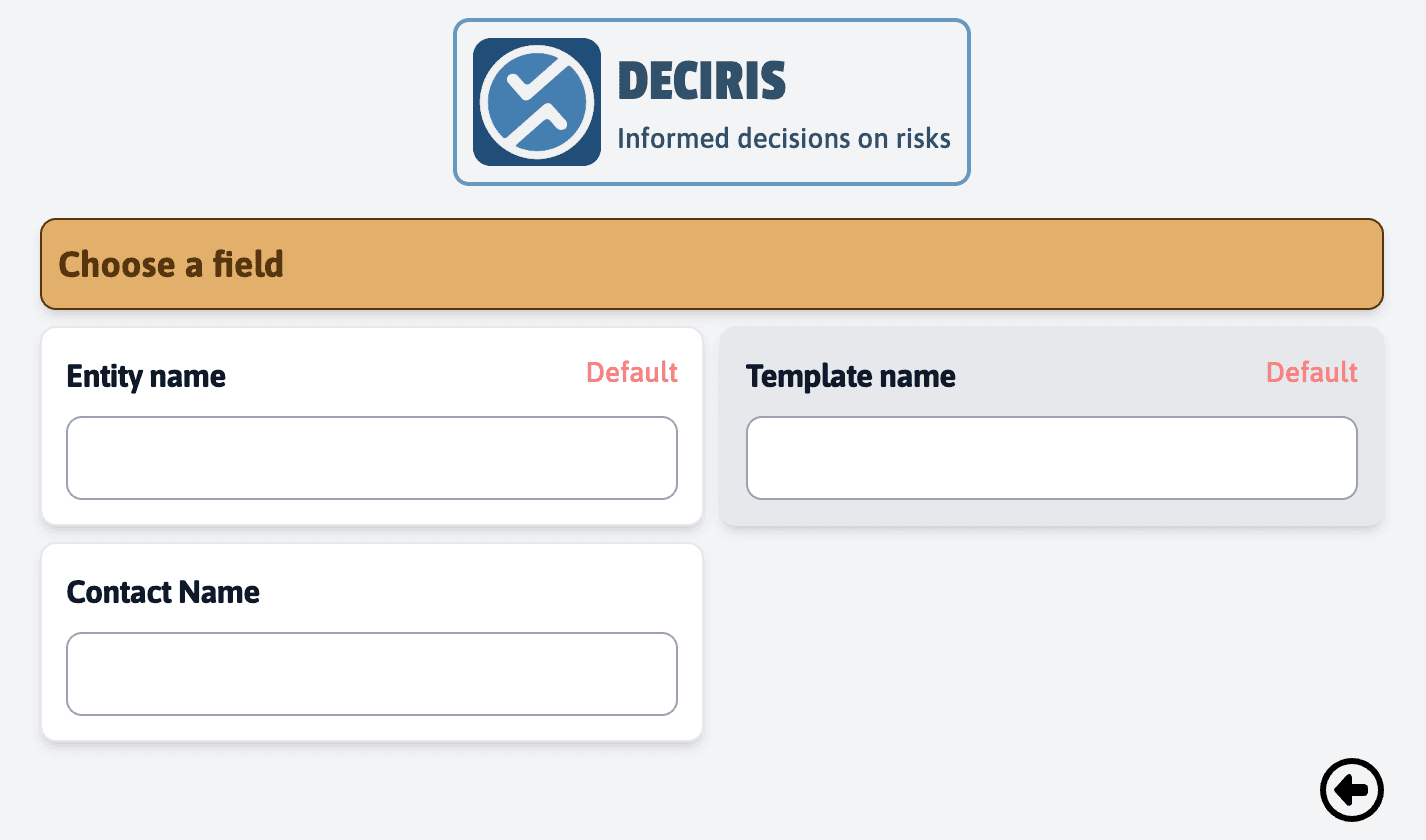
Select the “Contact name” field from the list, which is the field you created for the entity.
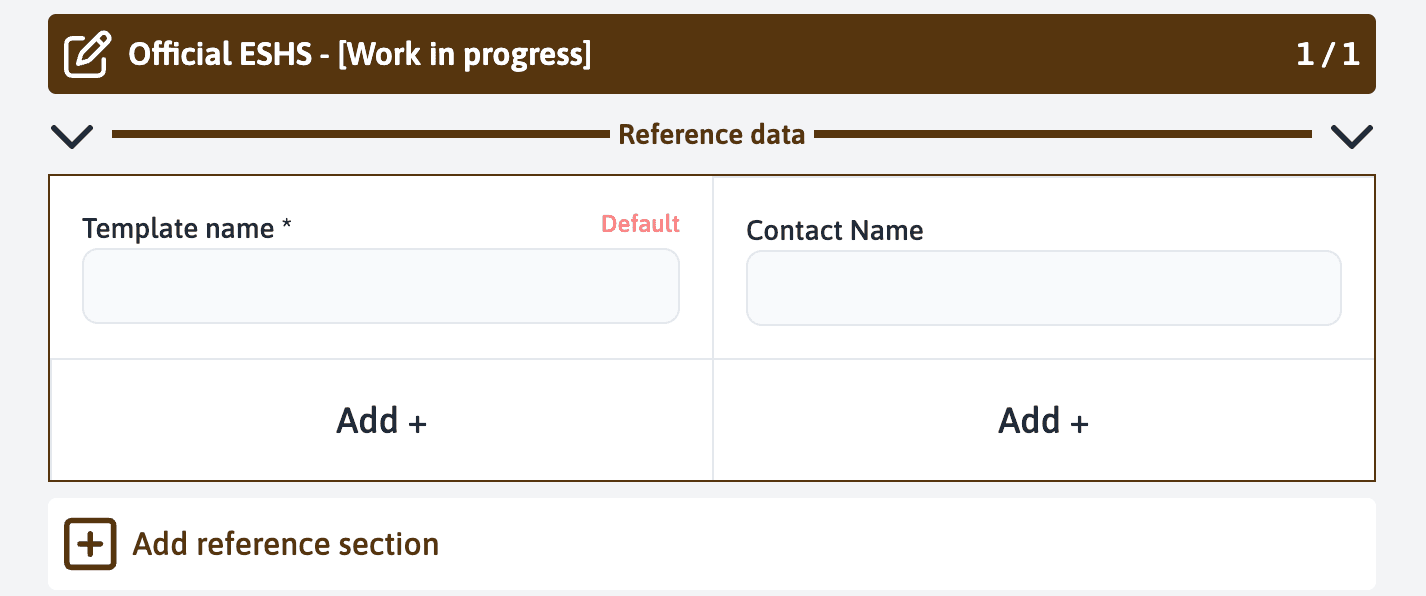
After selecting the field, it is added to your form.
Thus, the “Contact name” field will be systematically included in the services based on this form, allowing for consistent and structured data collection.
Last updated on