Generic Objects and Fields
Generic objects and fields allow you to define the reference data associated with entities. They are centralized in this library, fully customizable, and usable throughout the application. They notably allow automatic filling of reference data sections in forms based on entity data.
Create a new field
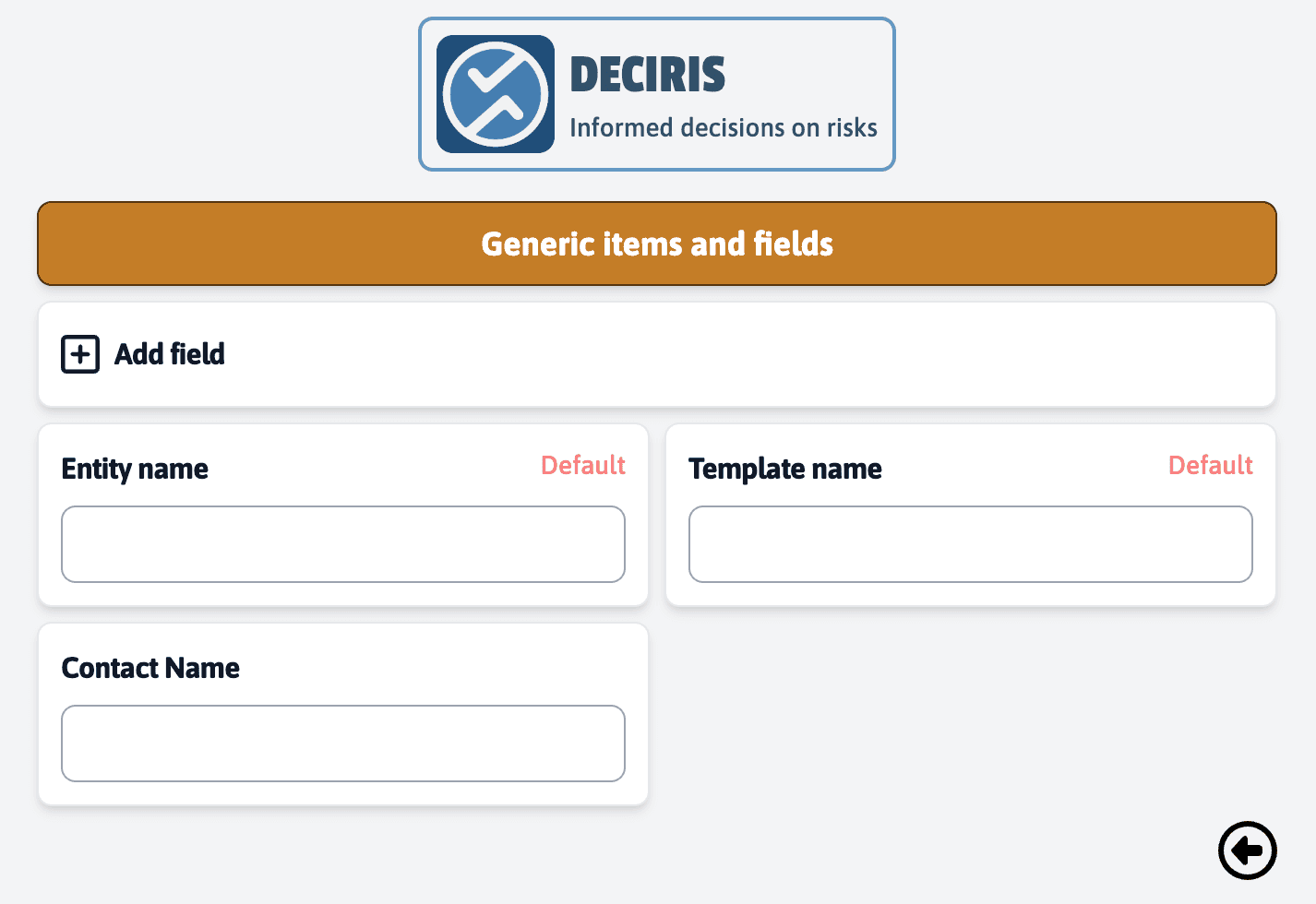
On the “Generic items and Fields” page, click on “Add a field” to create a new field.
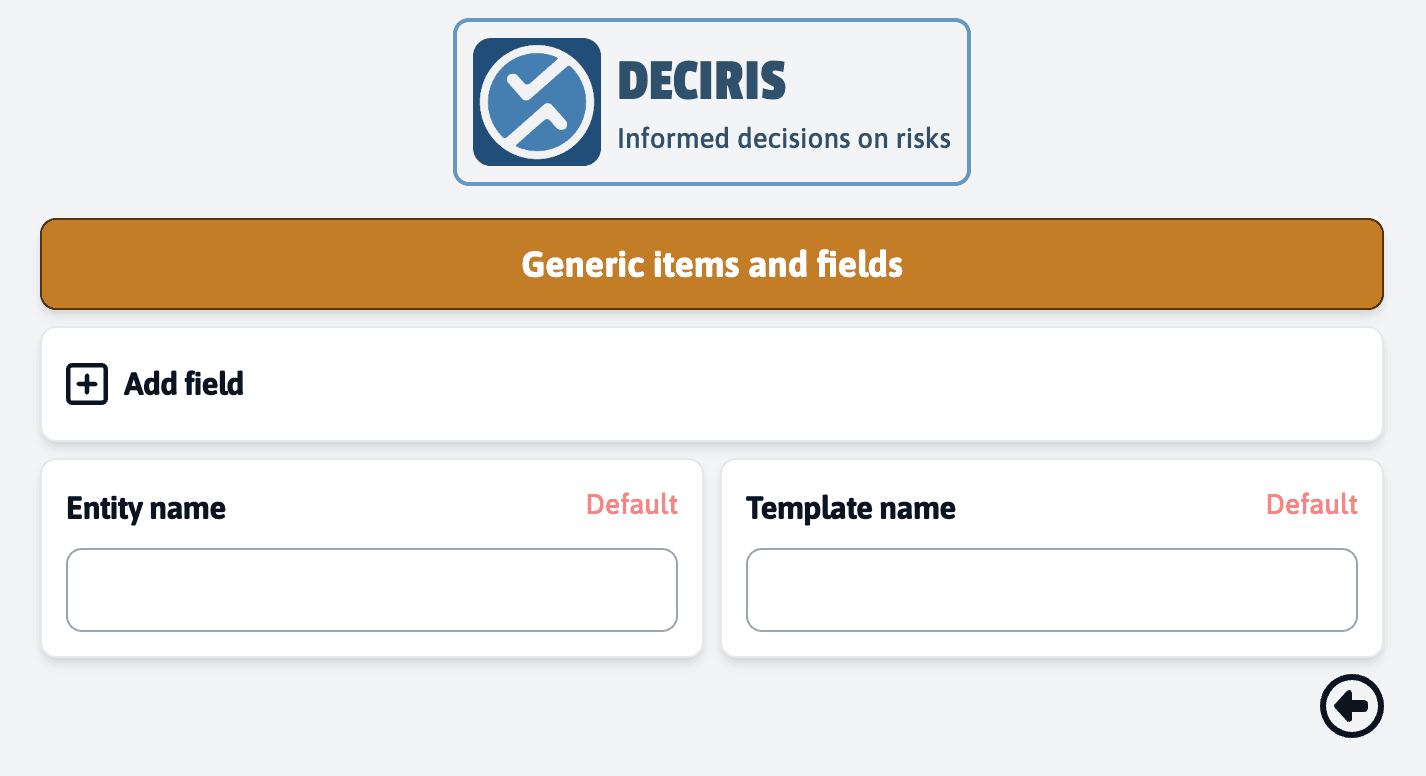
In the “Create a new field” form, enter a field title, for example, “Contact Name”.
Select the appropriate field type for the data you want to collect. The options are: text, number, date, or date and time.
Once the type is chosen, click on “Confirm” to add the field to your library.
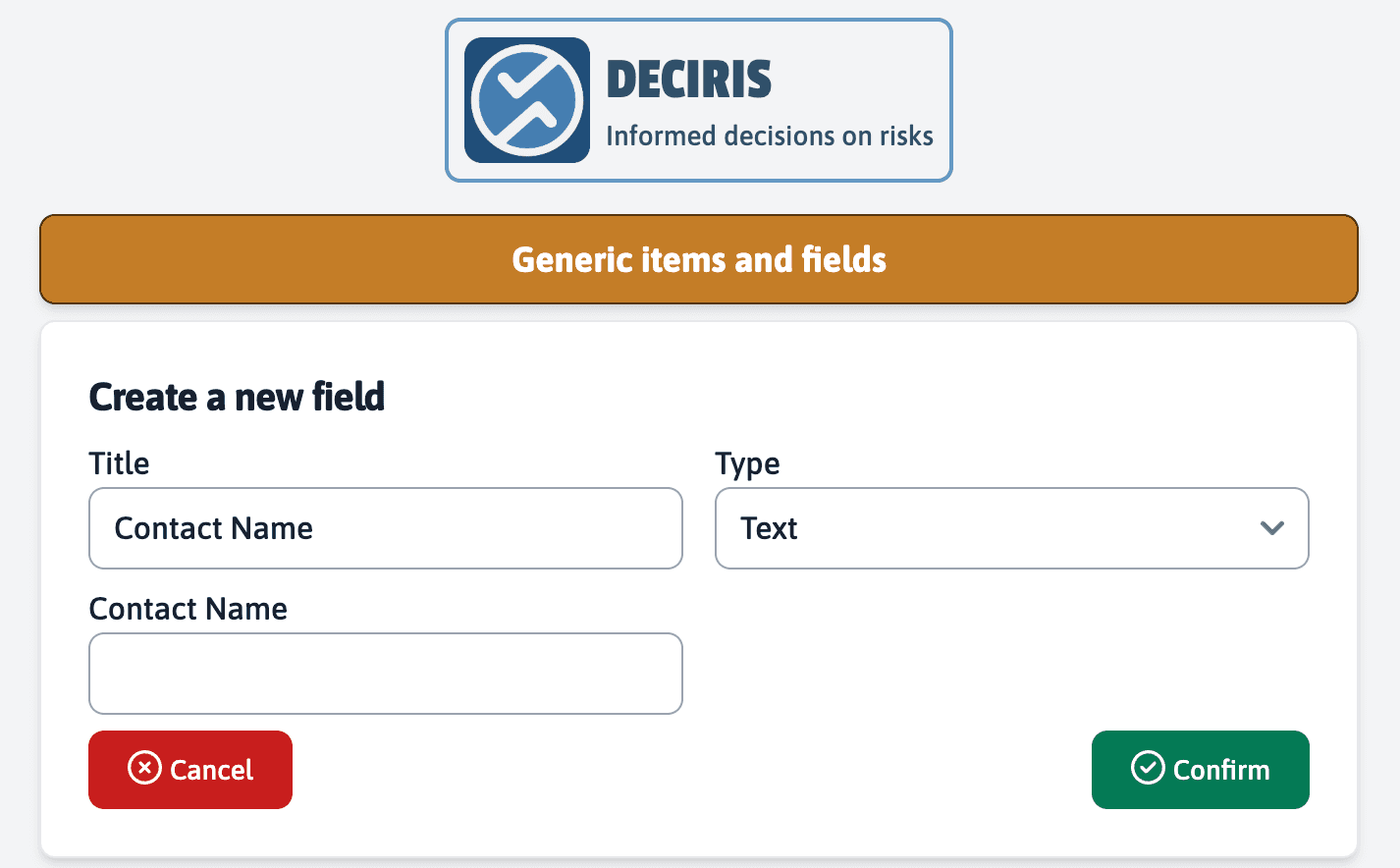
This new field, once created, will be available in both the entity and template menus, facilitating data matching during services.