New Entities
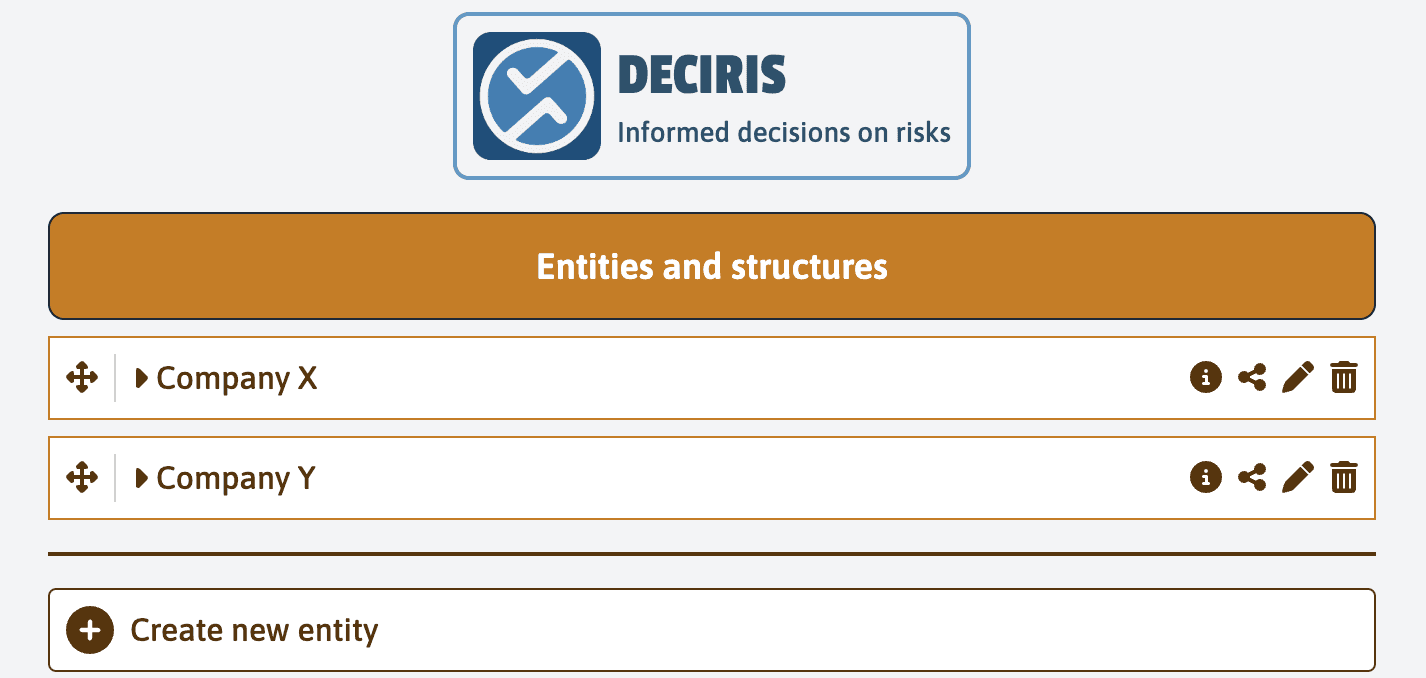
On the “Entities and Structures” page, you will see a list of existing entities, for example, “Company X” and “Company Y”.
To add a new entity, click on the “Create a new entity” button.
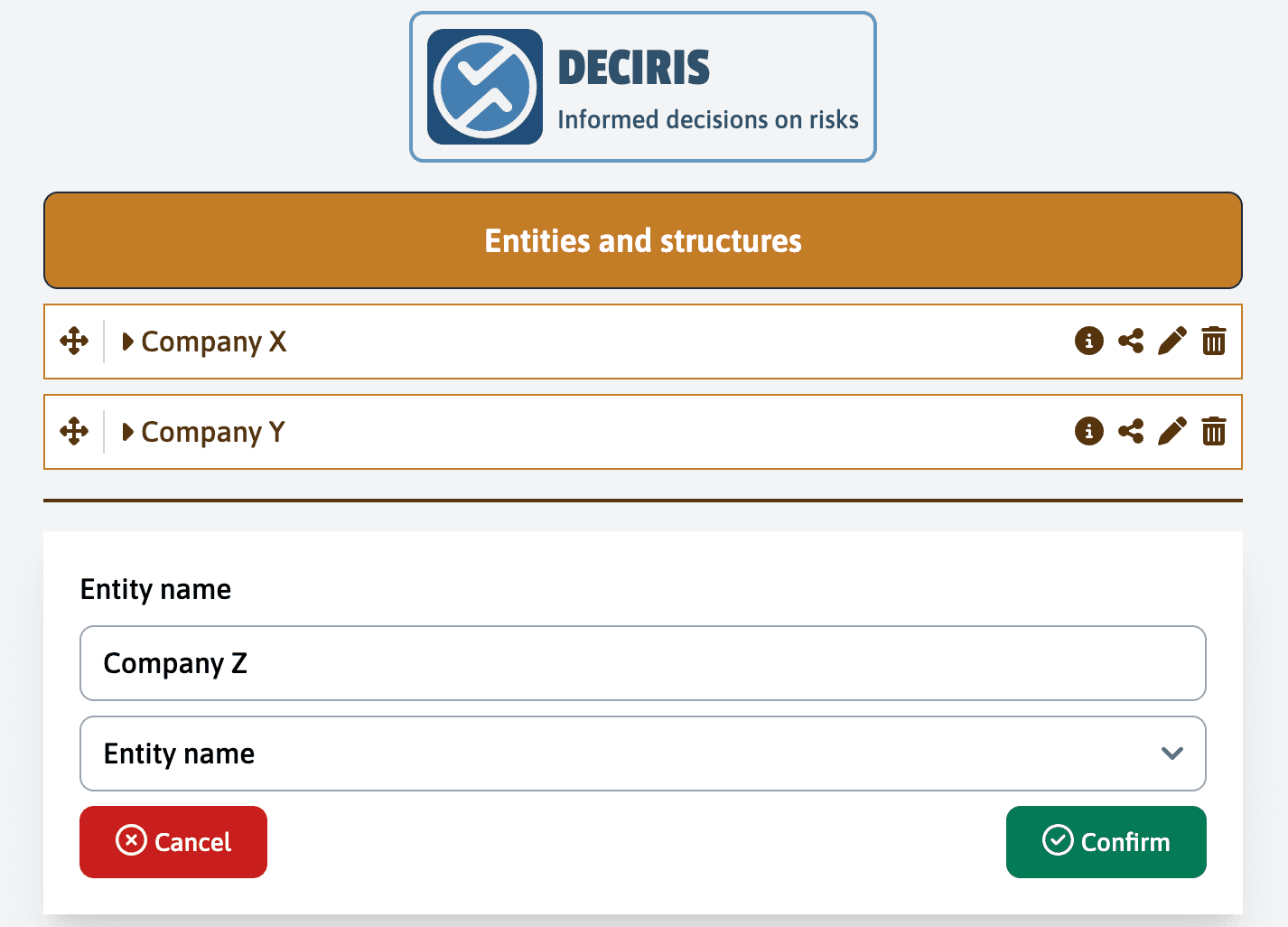
In the “Entity Name” field, enter the name of the new entity you want to create, for example, “Company Z”.
Once the name is entered, click on “Confirm” to save the new entity in the system.
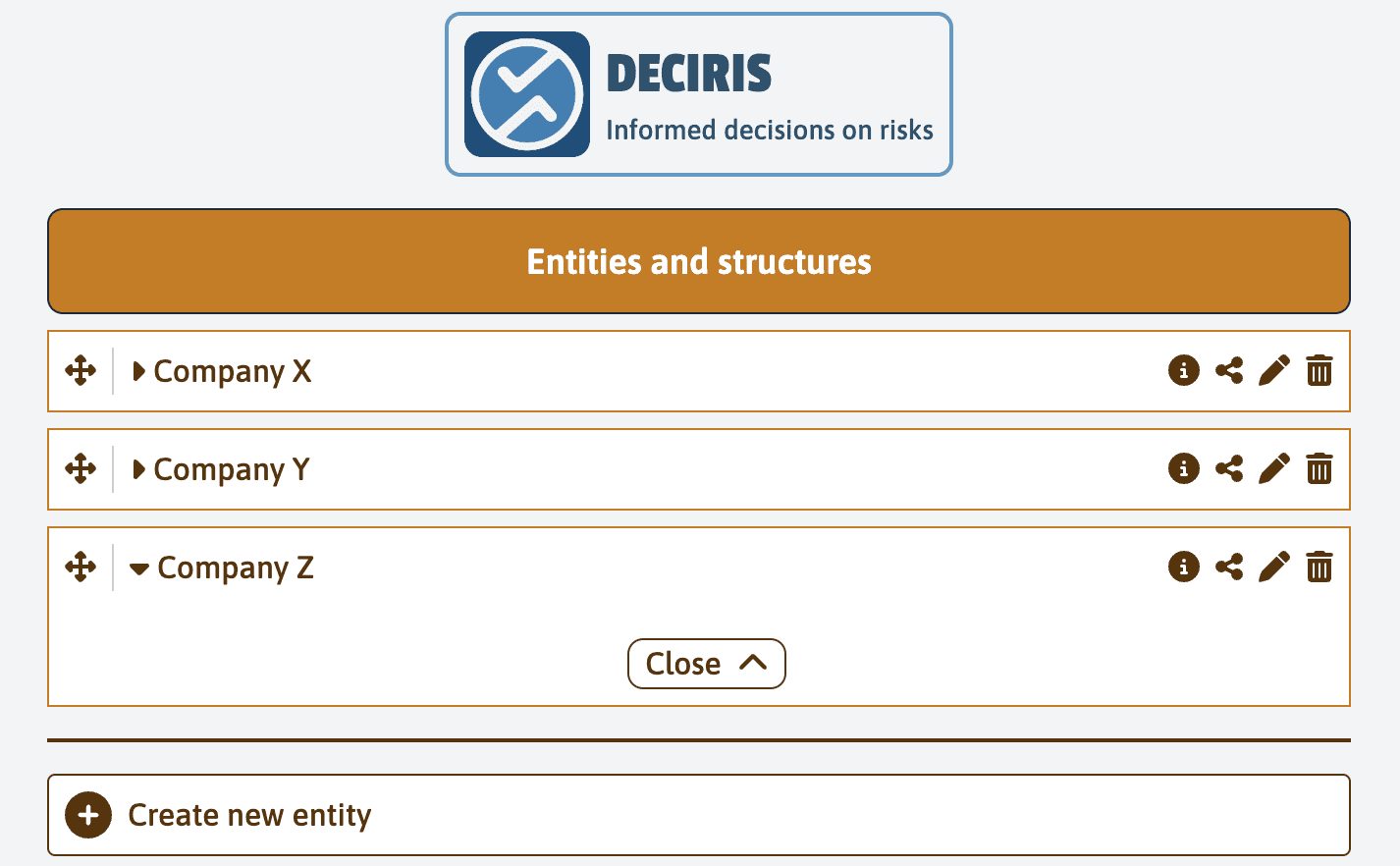
The new entity “Company Z” now appears in your list of entities. You will be able to select this entity when creating a new service from a form.
In the following guides, you will learn how to add custom details to your entity, which will allow these information to be automatically attached to a service.
Last updated on