Finalise the Preparation
To finalise an assessment in Deciris and prepare it for the actual data entry to begin, follow these steps:
After reviewing and filling in all necessary items in the current section, click on the “Finalise” button located at the bottom of the screen.
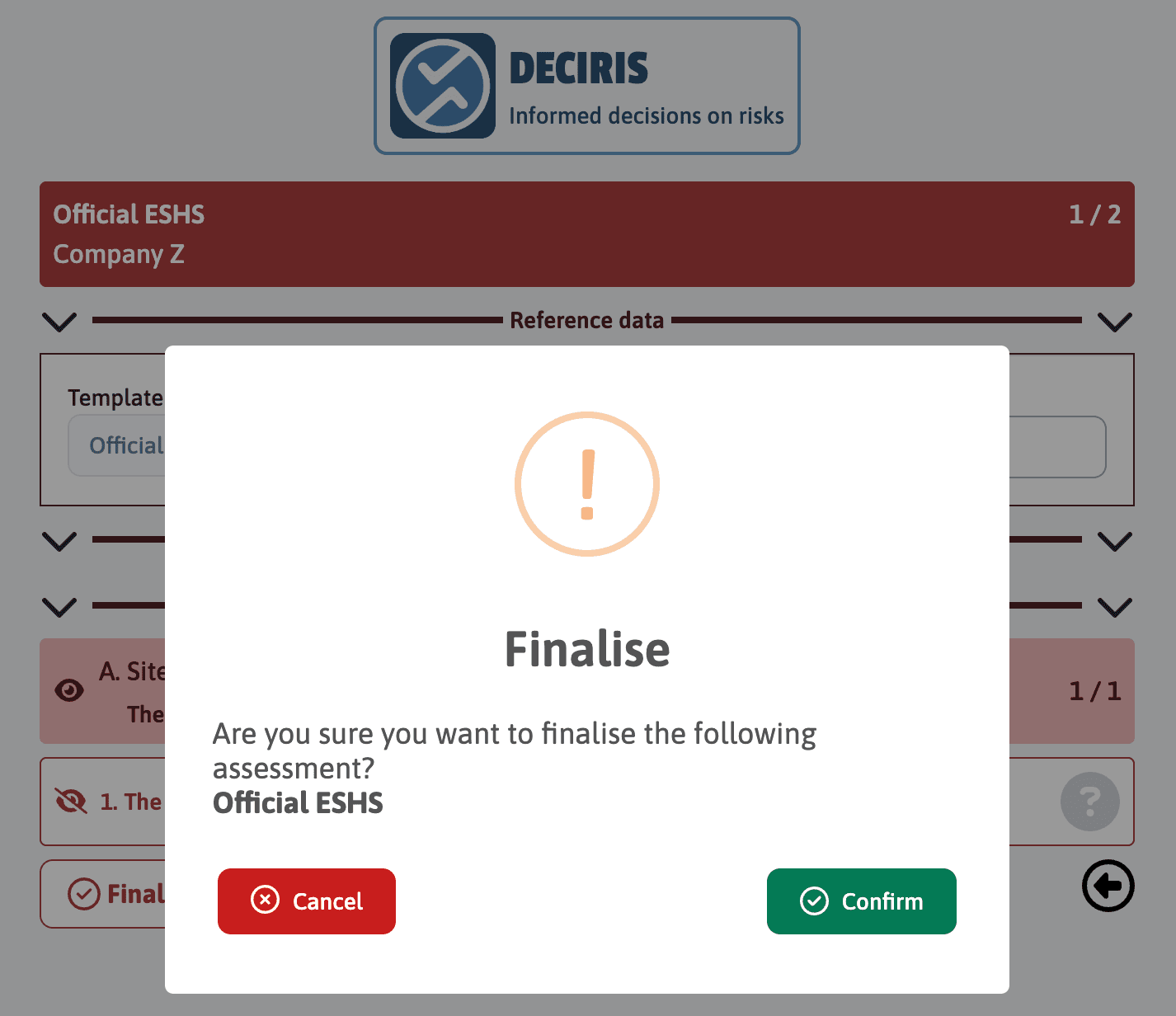
A confirmation message will appear, asking “Are you sure you want to finalise the following service? Official ESHS”. This step is crucial as it allows you to verify that all information is correct and complete before proceeding.
If you are ready to finalise and confirm that all entered data is accurate, click on “Confirm”. If you need to review or modify information, click on “Cancel” to return to the assessment page.
Once confirmed, the assessment will be moved to the blue section of the application where you can begin filling in the details of the actual assessment.