Main Menu
The main functionality of the application is to carry out site assessments based on a previously created template. This template is fully customizable in terms of content and therefore constitutes the normative repository on the basis of which the assessment is prepared and then carried out. The main steps to follow are:
- Create a template (Orange section)
- Prepare for an assessment (Red section)
- Carry out an assessment (Blue section)
- Generate an assessment report. (Green section)
The starting point is therefore the creation of assessment templates that will serve as a basis for preparing one or more assessments for one or more sites. When an assessment has been prepared for a site, the application makes it possible to carry out the assessment of the conformity of the site by the auditor, to take photos, to add comments, files. Once the assessment is finalised, the application makes it possible to generate a report grouping together all the elements noted on site.
The main menu of the DECIRIS assessment application
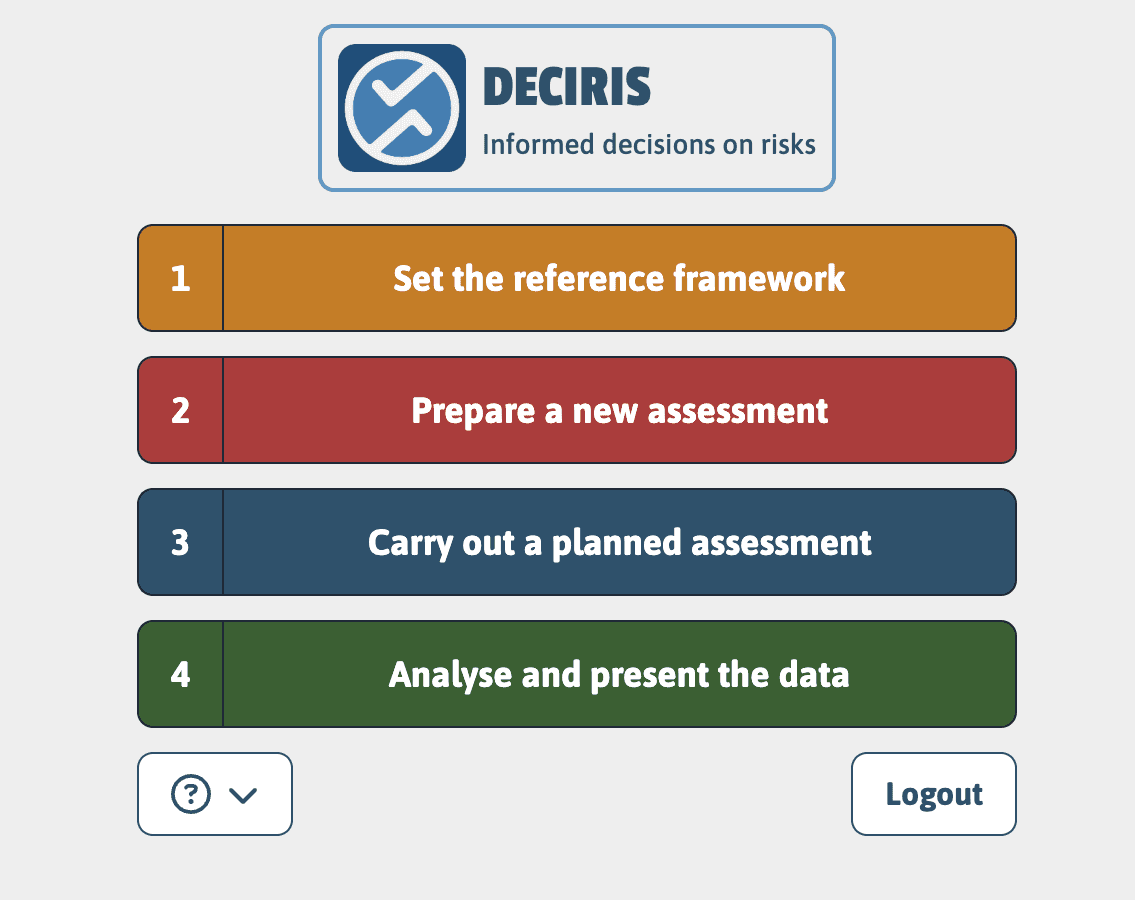
The home page contains the 4 main menus that allow you to navigate between the 4 main features presented above. The 4 menus are each represented by a specific color to facilitate navigation and understanding of operation.