AI Elements (Beta)
⚠️
This feature is currently in beta. Always review and validate AI-generated content before using it in your assessments.
Overview
AI elements allow you to leverage artificial intelligence to help create content for your templates. This feature can help speed up the template creation process while maintaining quality and consistency.
Creating AI Elements
To create an AI element:
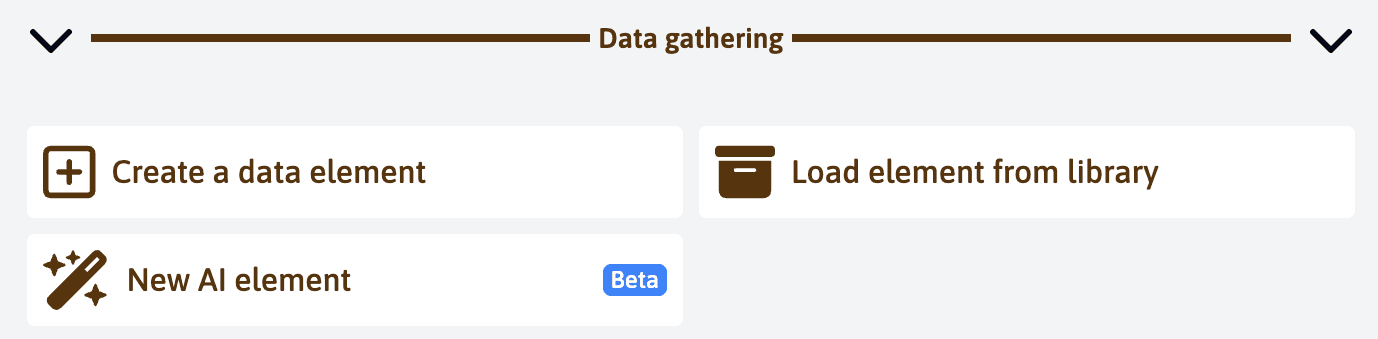
- Click on “New AI element” in the data gathering section
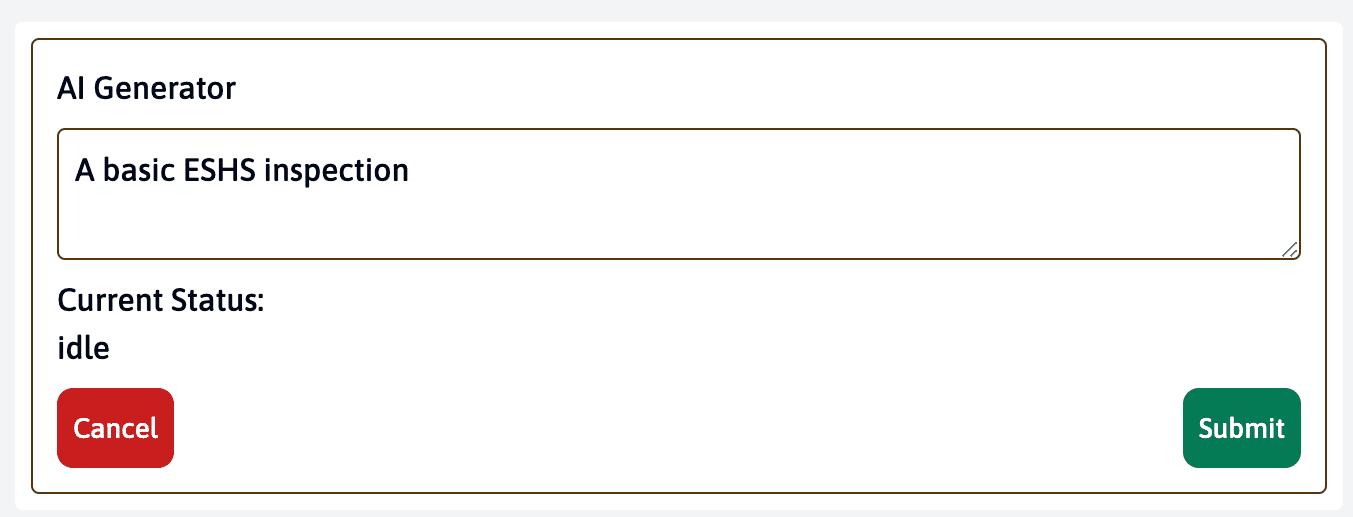
- Enter your prompt or description
- Wait for the AI to generate the content
Reviewing and Editing
After the AI generates content:
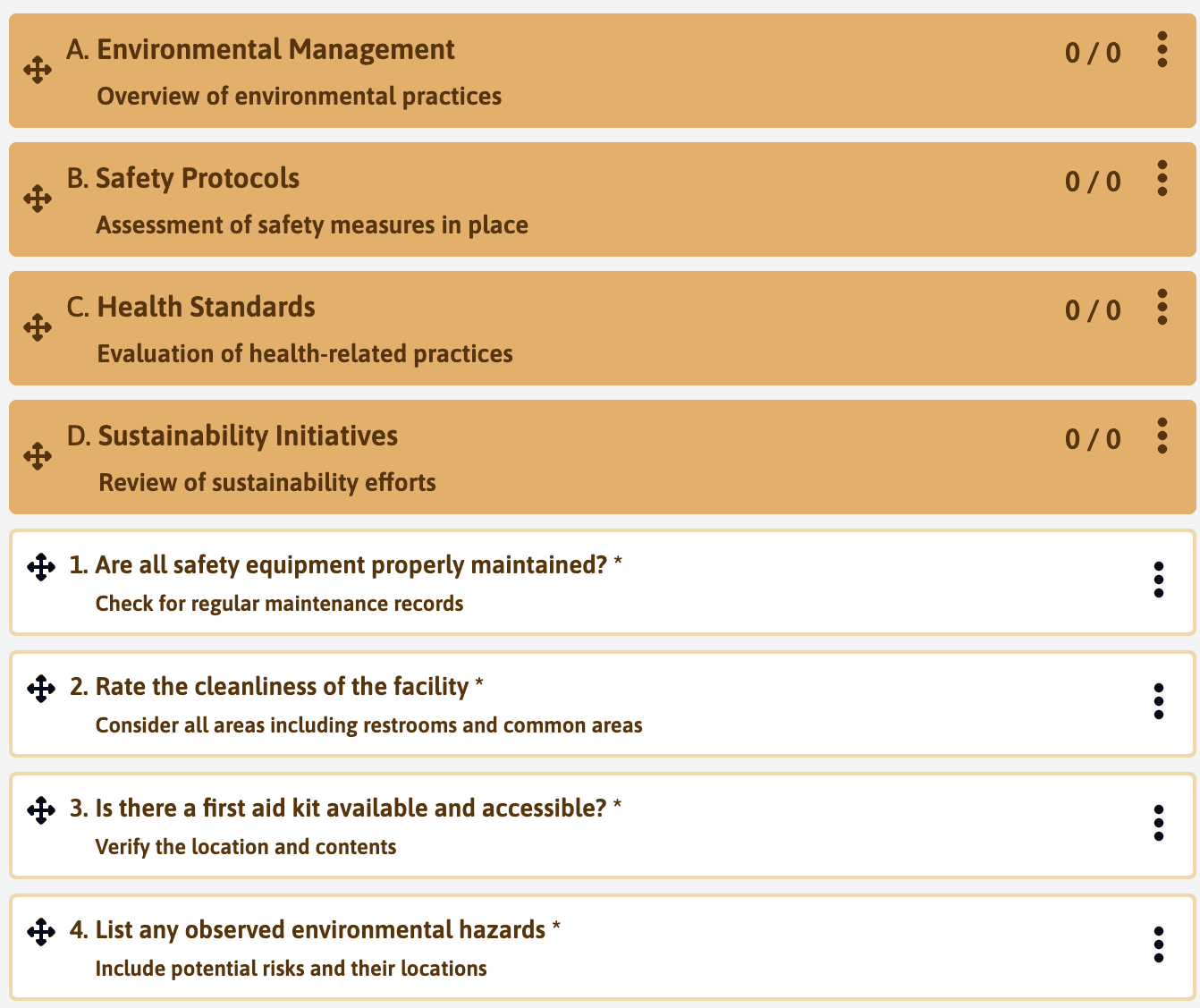
- Review the generated content carefully
- Edit or adjust as needed
- Confirm or regenerate if necessary
Best Practices
When using AI elements:
- Always review generated content for accuracy
- Verify that questions are relevant to your context
- Check that terminology matches your organization’s standards
- Adjust the language and tone as needed
- Test the elements in practice before deploying
Limitations
Current limitations of AI elements include:
- Content may need human review and adjustment
- Generated questions might need context-specific modifications
- Some specialized terminology might need correction
AI elements are designed to assist and accelerate template creation, not to replace human expertise. Always validate the content before finalizing your template.
Last updated on