Generation
A docx report can be generated in two ways:
Single user
When you have an assessment that is going to be filled out by a single user, you can generate a docx report by clicking on the “Action” button in the bottom left corner of the assessment.
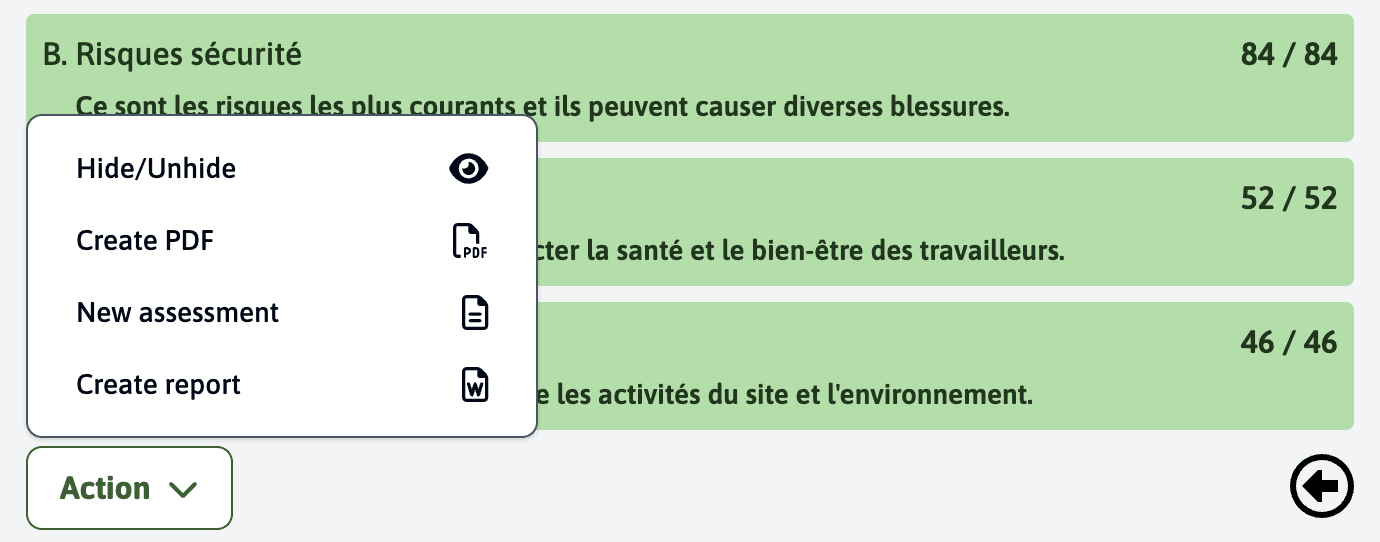
In this action dropdown menu, you have to click on “Create report”.
This will open a popup where you can select your docx template and after a few seconds, the report will be generated and downloaded to your computer.
Multiple users
When you have an assessment that is going to be filled out by multiple participants, you First have to upload the docx template in the template.
This can be done in the “External mailing and survey” module.
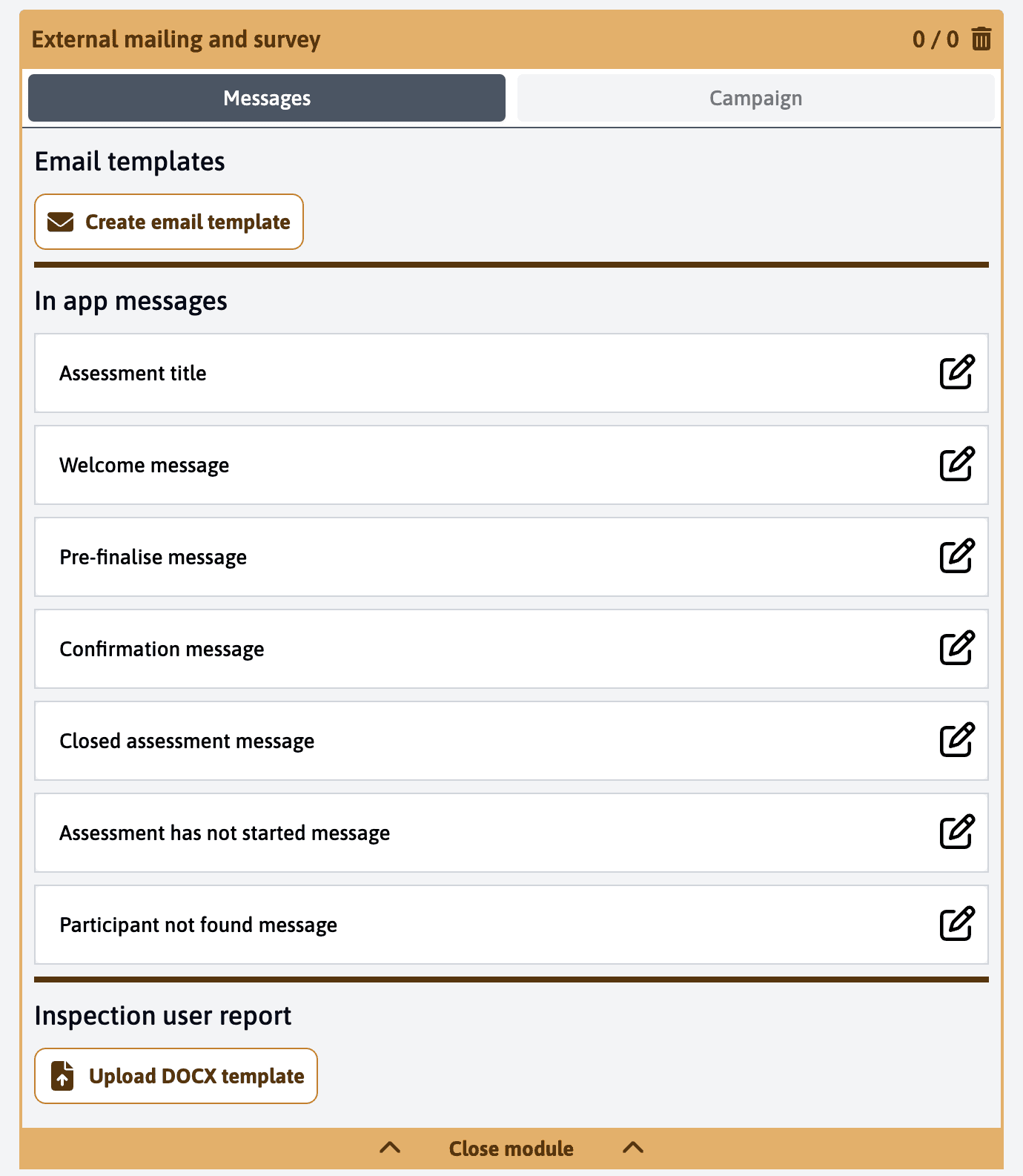
After you have uploaded the docx template, the participants will now see a “Create report” button after finalising an assessment.
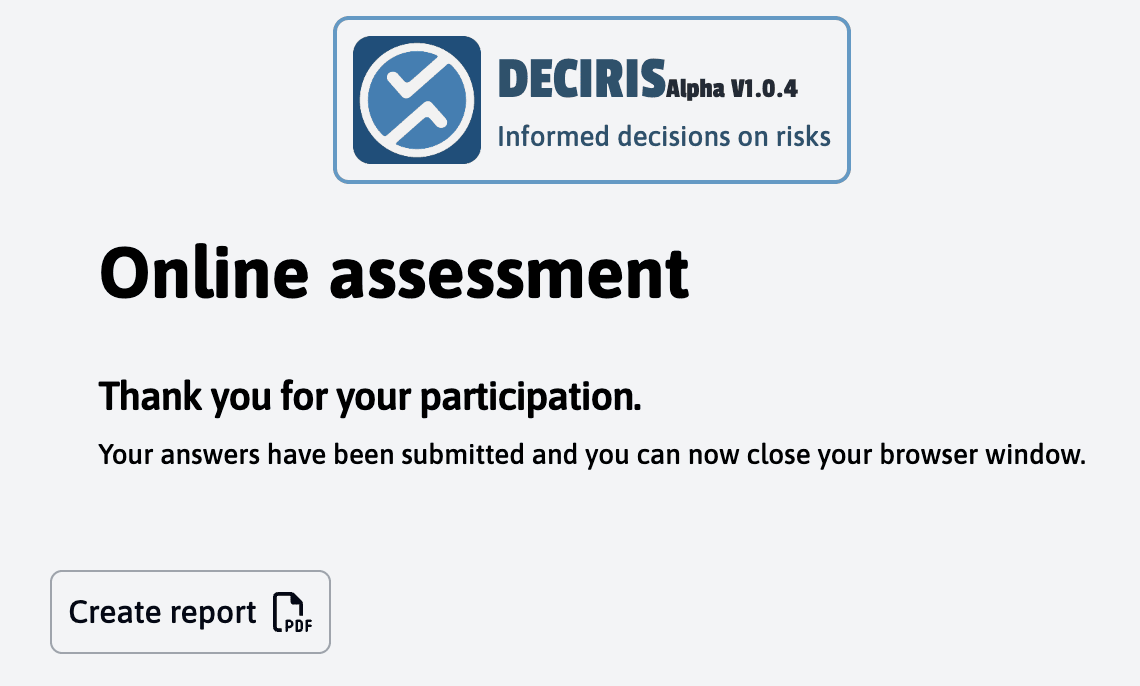
After a few seconds, the report will be generated and downloaded to their computer.