Results module
This section requires you to have added the results module to your template. Click here to see how to add a module to a template.
The Results module is designed to help you process and analyze data collected from multiple participants. Whether you’re conducting research, assessments, or surveys, this module provides powerful tools to transform raw data into meaningful insights.
Overview
When working with multiple participants, processing individual responses manually can be time-consuming and prone to errors. The Results module automates this process by allowing you to set up calculations once and apply them across all participant data. This not only saves time but also ensures consistency in your analysis.
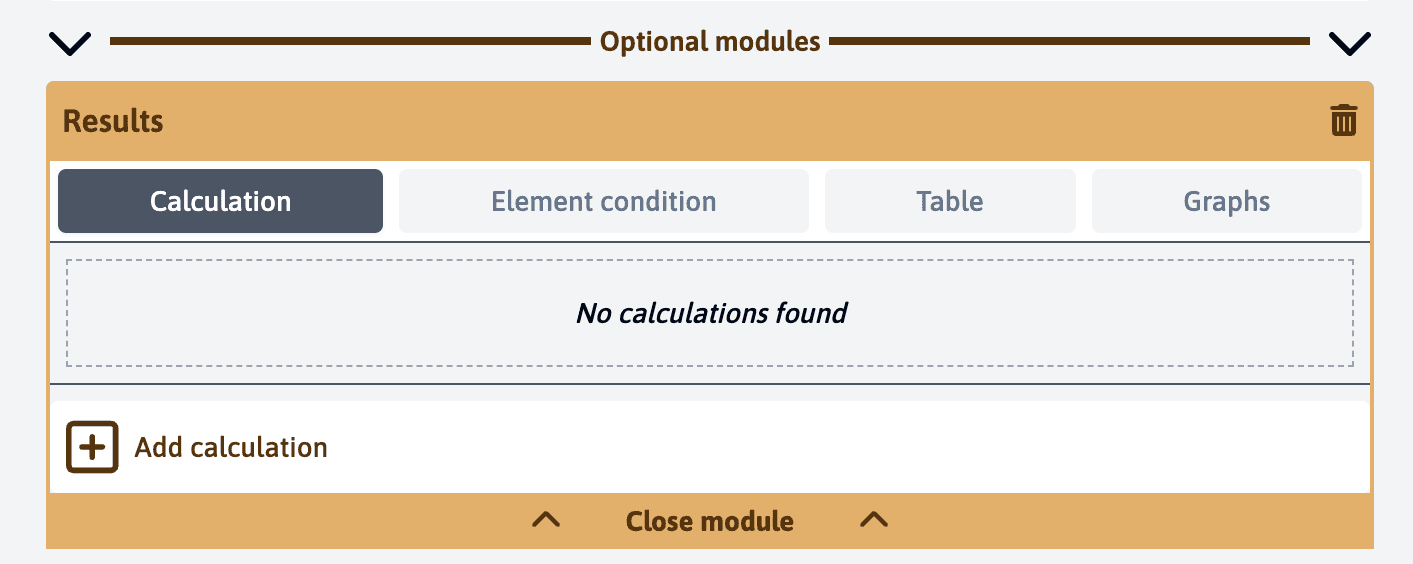
Key Components
Calculations
At the heart of the Results module lies its calculation system. You can configure various calculations that will automatically process numerical values from your template elements. These calculations can range from simple averages to complex formulas that combine multiple data points.
For example, you might want to:
- Calculate the average score across all participants
- Find the highest and lowest values in a dataset
- Compare individual results against group averages
- Create weighted scores based on multiple inputs
Learn more about setting up calculations →
Element Conditional Styling
The module includes a powerful conditional styling system that helps you visualize your data more effectively. You can set up rules that automatically apply different styles based on numerical values.
For instance, you can:
- Highlight scores above or below certain thresholds
- Create visual indicators for critical metrics
- Mark outliers in your dataset
Visualization Tools
The Results module offers two primary ways to visualize your data:
Tables
Tables provide a structured view of your data and support various features:
- Custom column arrangements
- Sorting capabilities
- Filtering options
- Data export functionality
Charts
The charting system allows you to create various visual representations of your data:
- Bar charts for comparing values
- Line charts for tracking trends
- Pie charts for showing distributions
- Custom dashboards combining multiple chart types
Use Cases
The Results module is particularly valuable in scenarios such as:
- Educational institutions analyzing student performance
- Research teams processing participant data
- Organizations conducting employee assessments
- Consultants analyzing client feedback
To make the most of the Results module, ensure your template includes elements with numerical values that can be processed and analyzed. The more structured your data collection is, the more powerful your analysis capabilities will be.