Load a Module
This guide only applies to models in the orange section. A module can’t be added to an assessment in the red section.
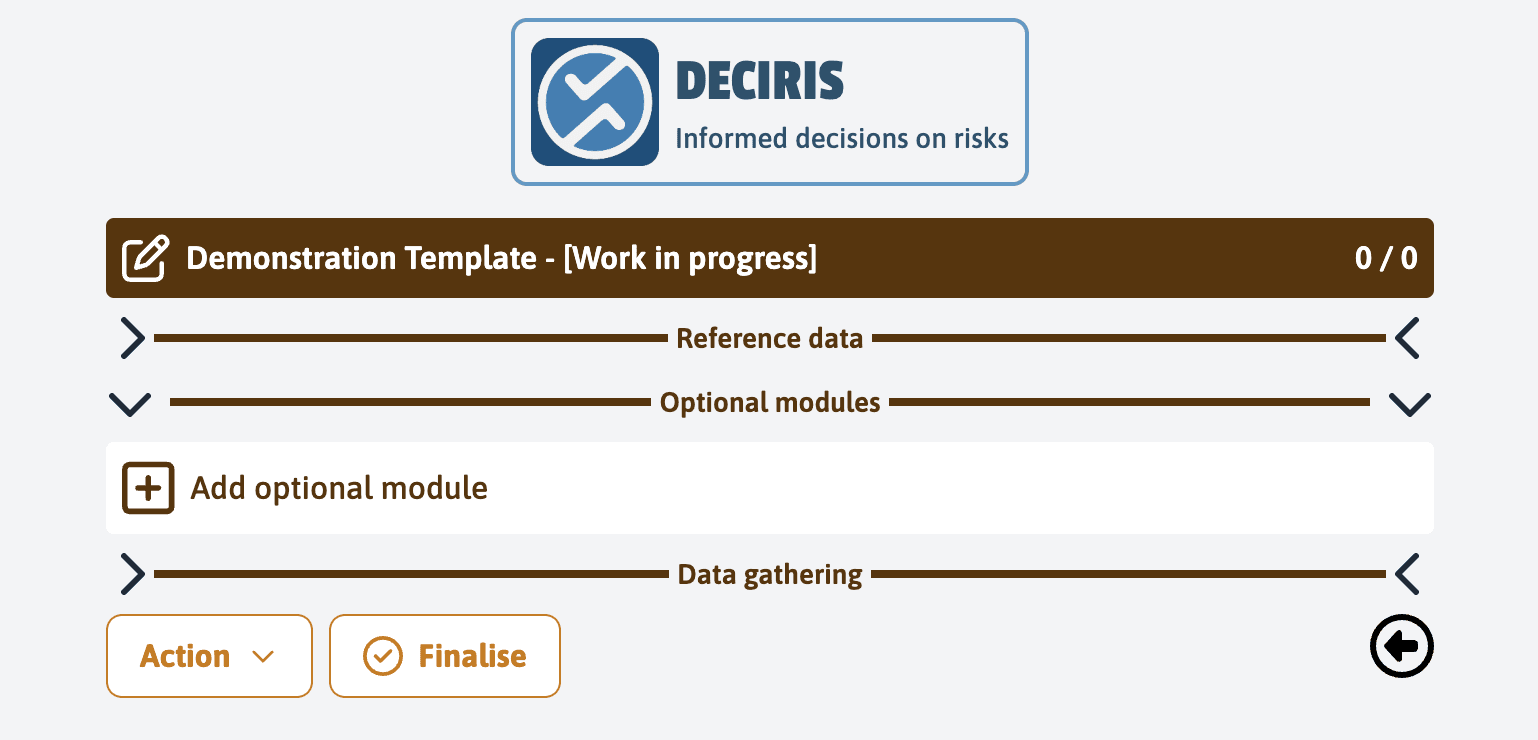
To add a module, click on “Add optional module” in the optional modules tab in a template.
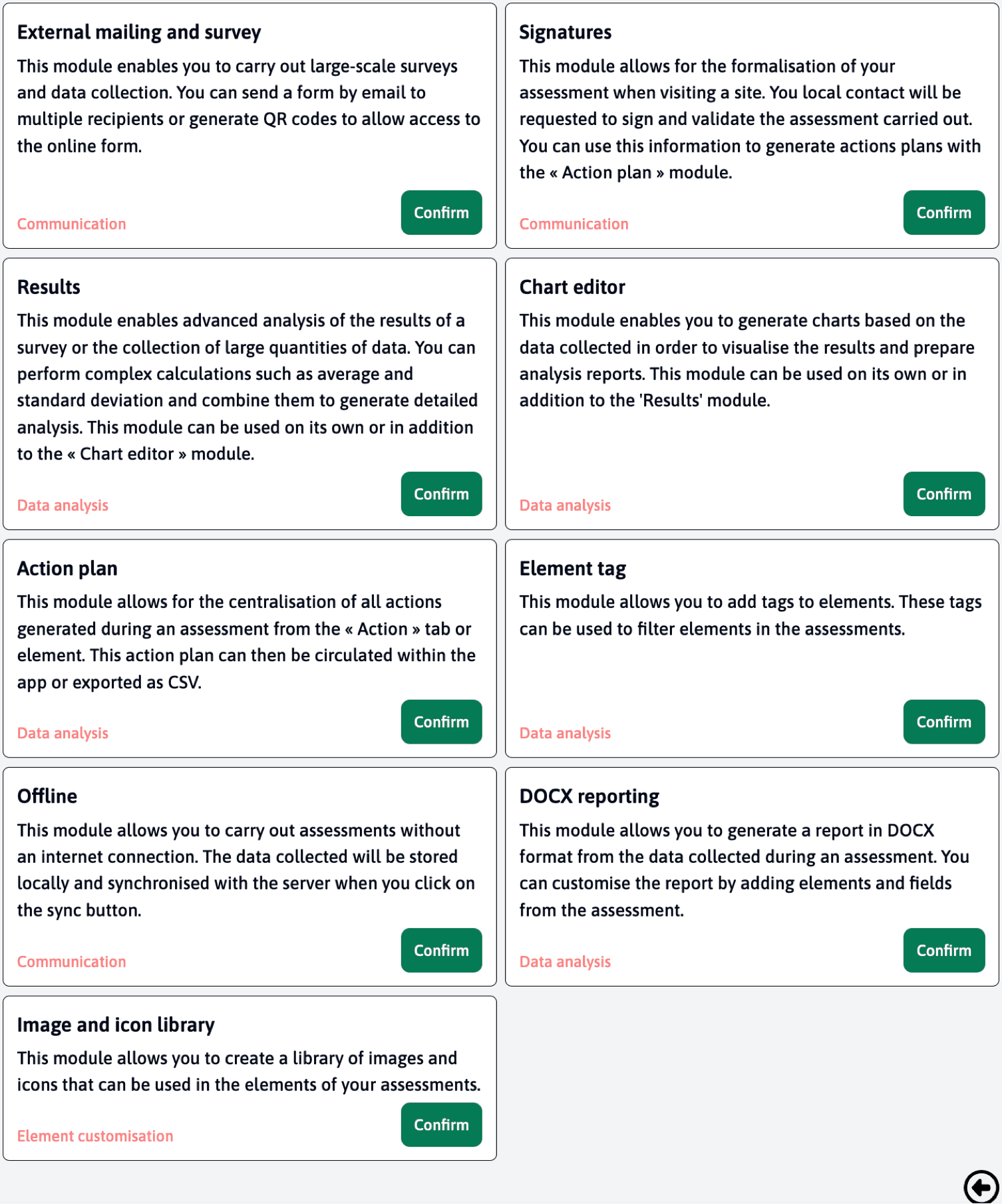
Then click on the “confirm” button of one of our modules.
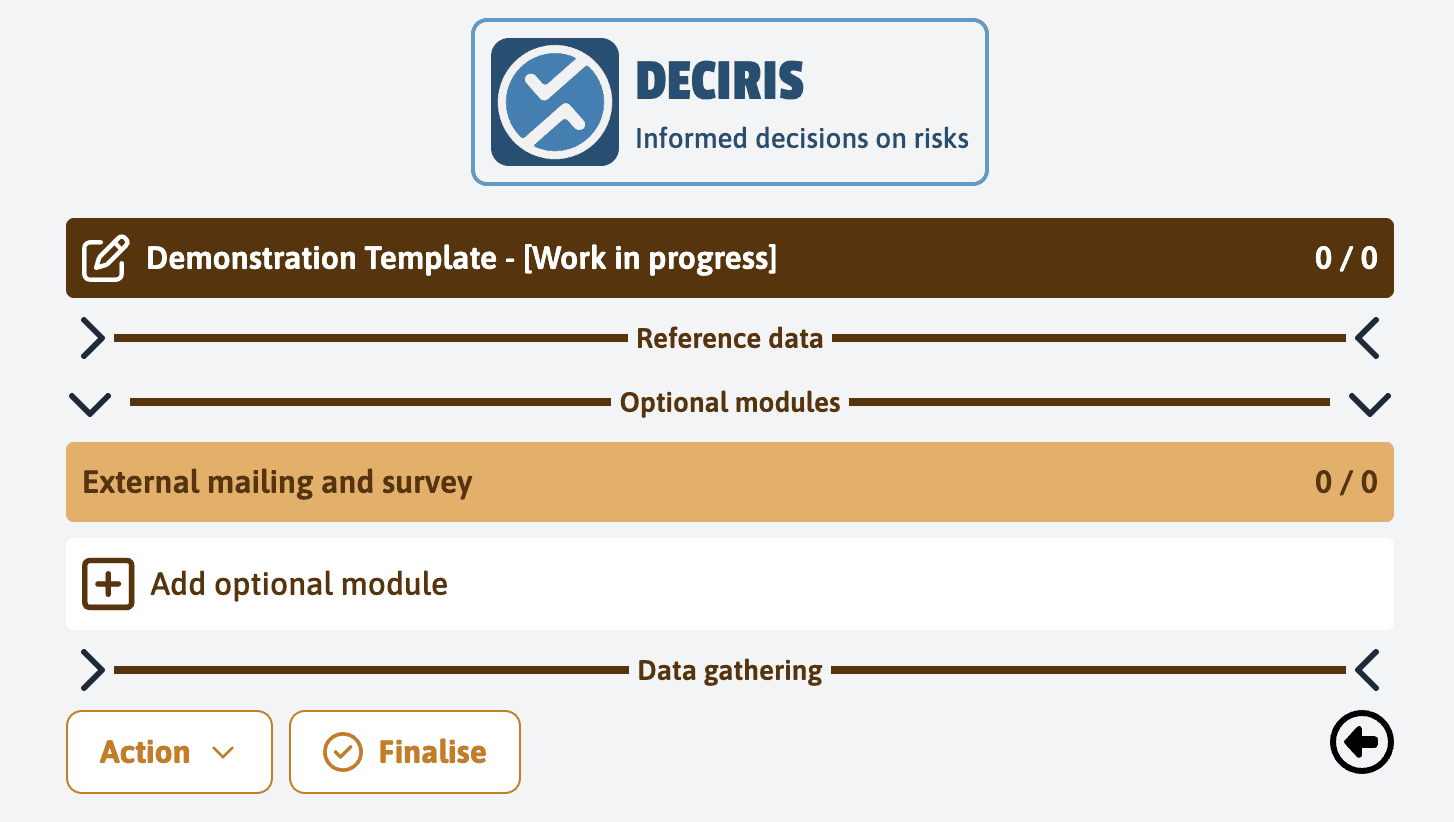
The module will now be available in your template.
Last updated on