Preparation
After loading the module as previously explained, within the template page, you can now right click on certain elements to retrieve docx codes that can be used in the docx templates.
These codes are explained in further detail in the following parts, but can be directly used in your docx template.
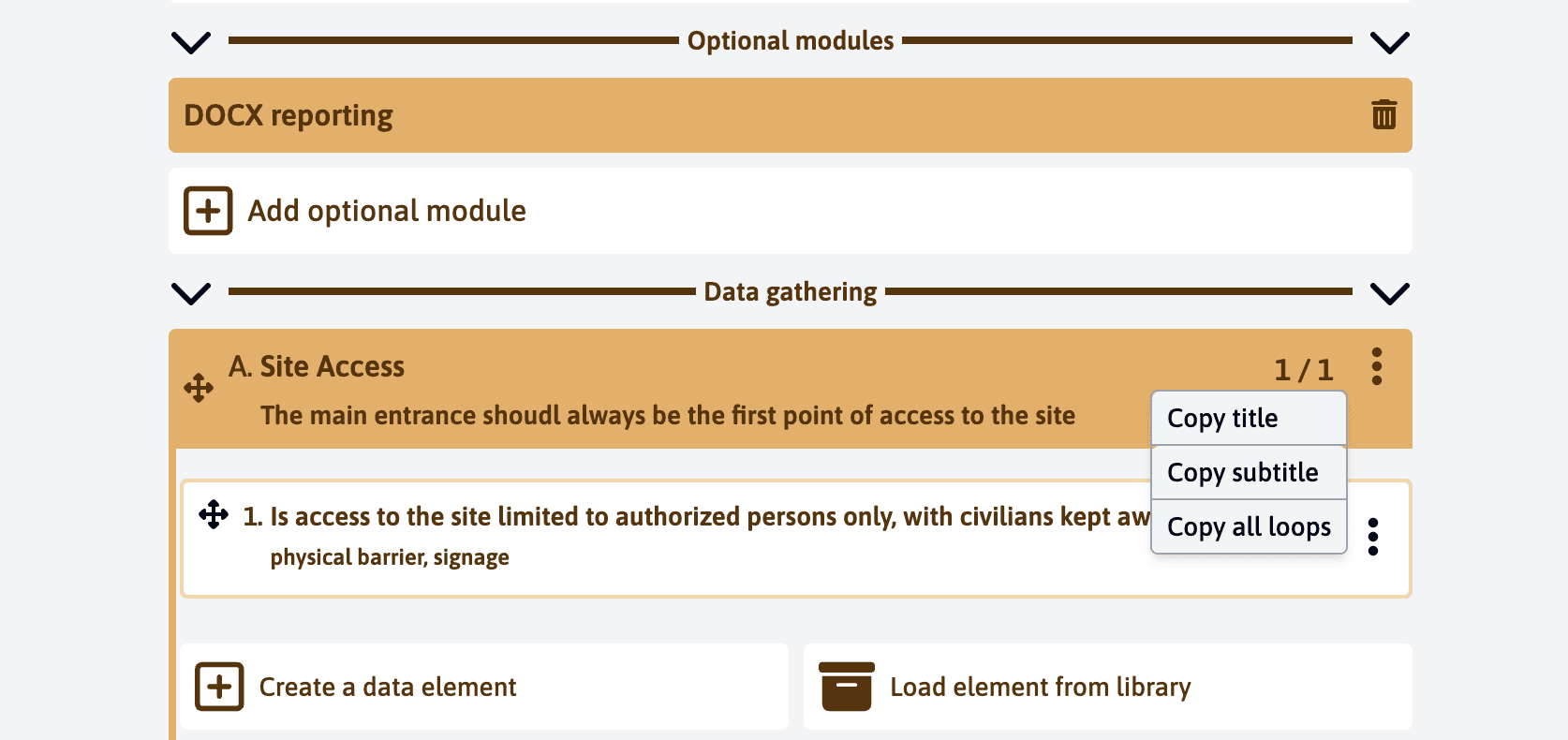
After clicking on “Copy Title”, the following code will be copied to your clipboard:
{elements['eCqPvR5nga8nzjhy2'].title}You can then paste this code into your docx file and it will be replaced with the actual value when the docx/pdf report is generated.
This functionality is currently available for the following parts:
- Section
- Field
- Header element
- Active element
- Picture tab
- Comments tab
- Files tab
- Action tab
- Guidance tab
For more possibilities, read the other chapters of this module.
Last updated on