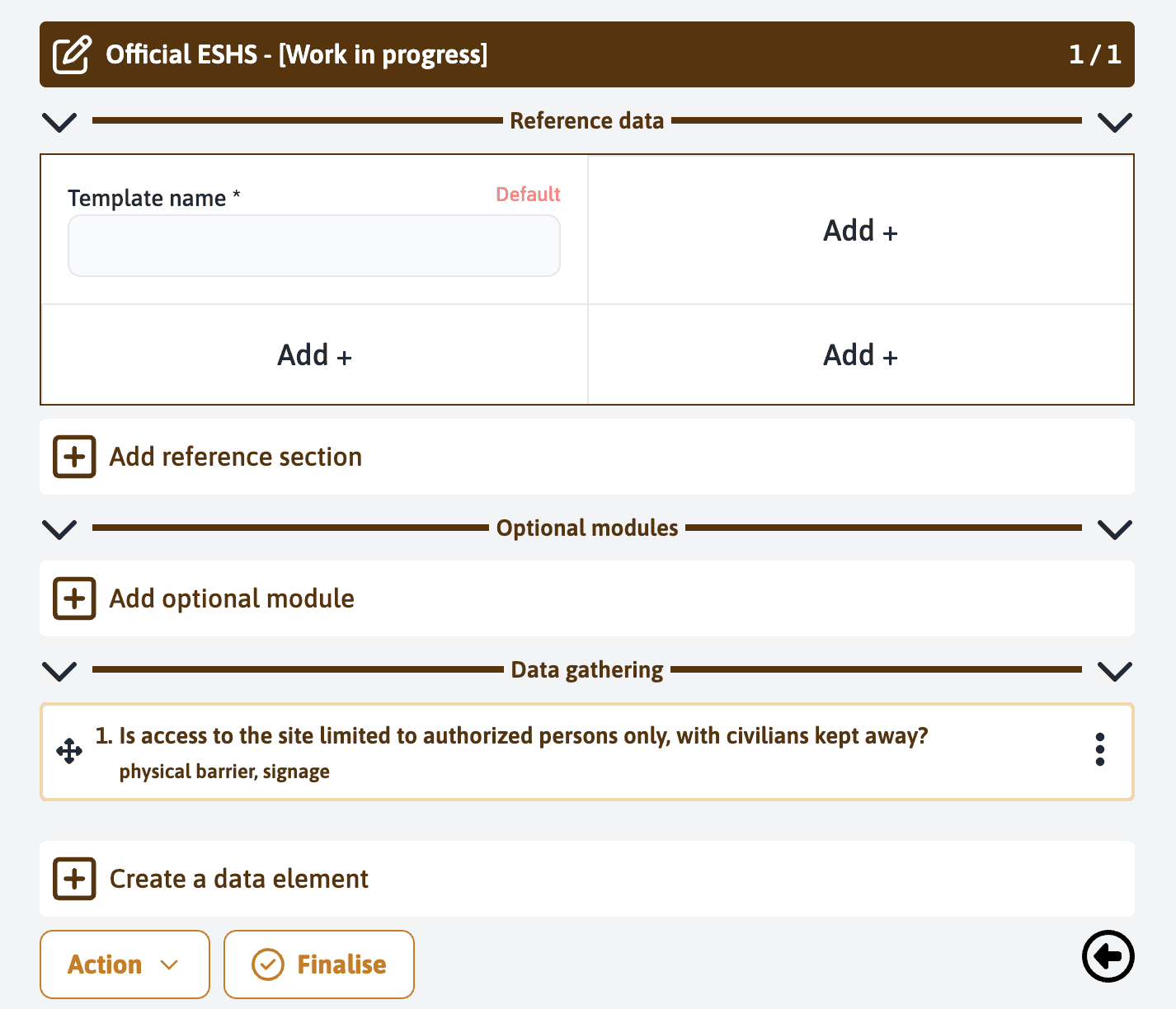
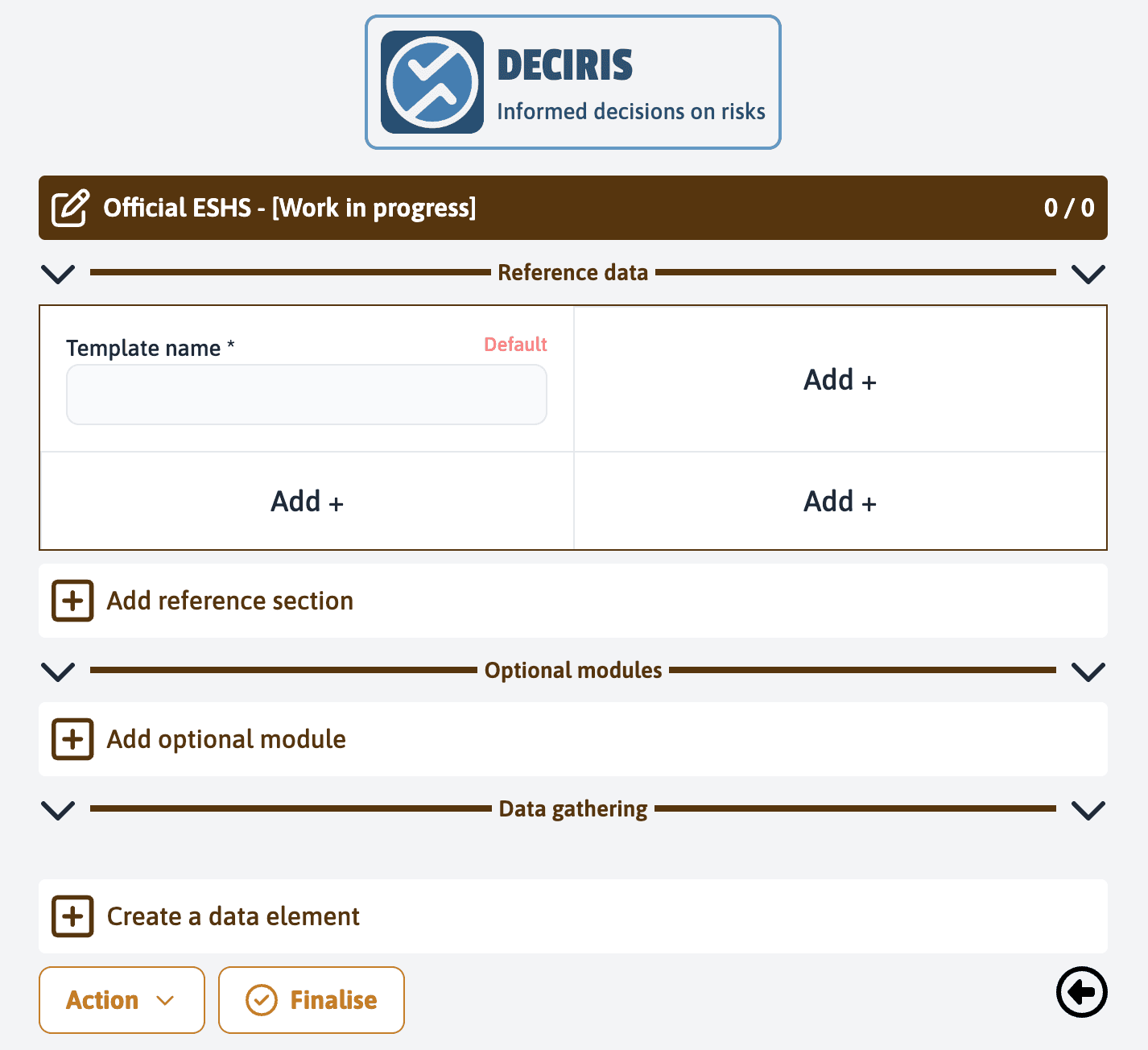
Create an active element
To collect data, you can click on “Create a data element”.
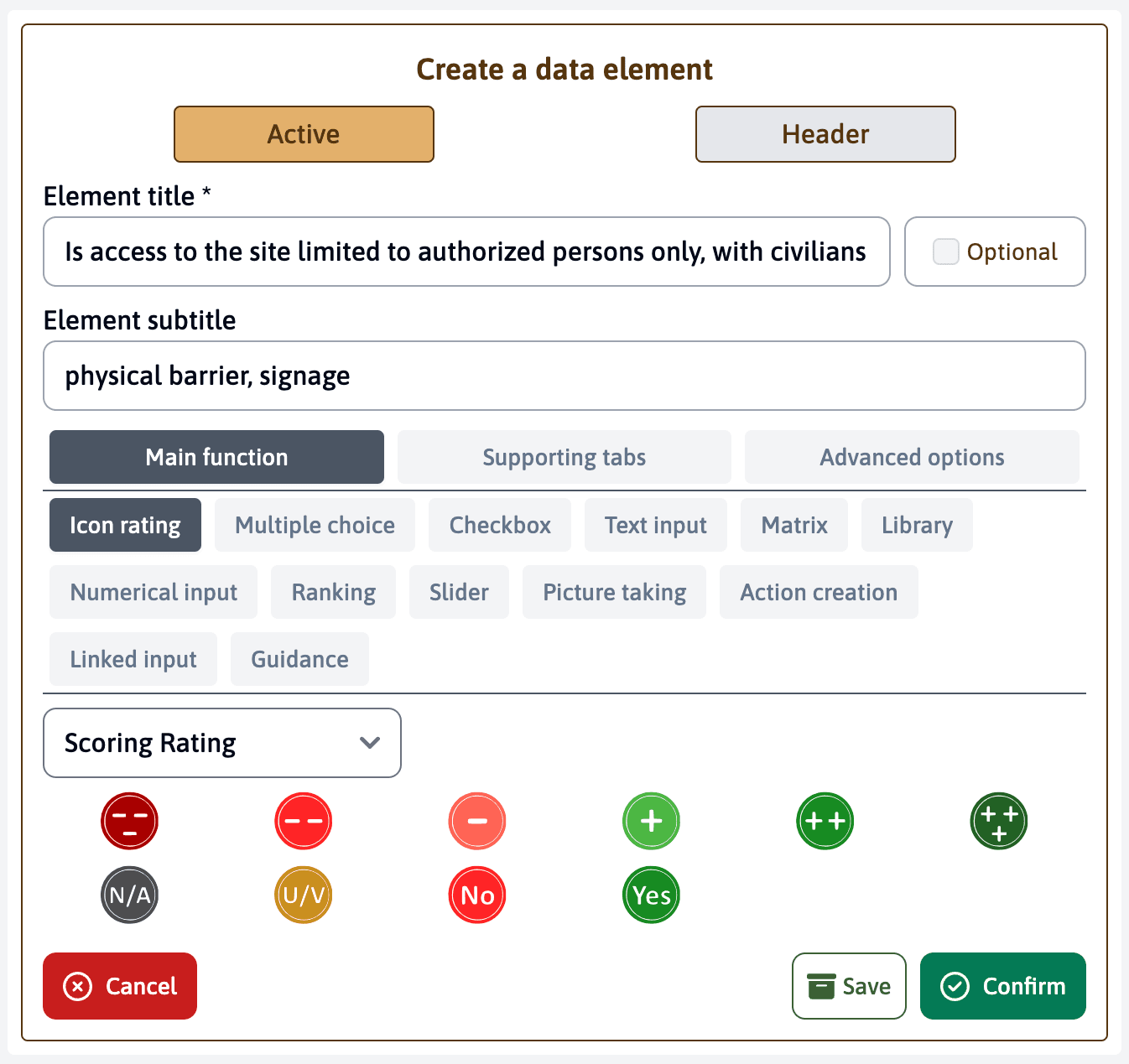
Enter the title of the element, for example, “Is access to the site limited to authorized persons only, with civilians kept away?”. You can also add a subtitle if needed, for example, “physical barrier, signage”.
Select the “Active” option by clicking on the button on the left.
Choose the type of evaluation, in our example, we will use the “Icon rating”.
For other options, please refer to the dedicated tutorial
After entering all the information for this data element, click on “Confirm” to include it in your form.
Repeat the operation as many times as necessary to build your form. You have the possibility to rearrange the created elements with the drag-and-drop function. Use the cross located to the left of the title. Once you have added all the necessary elements for data collection, click on “Finalise” to complete the creation of your form.