Create a header element
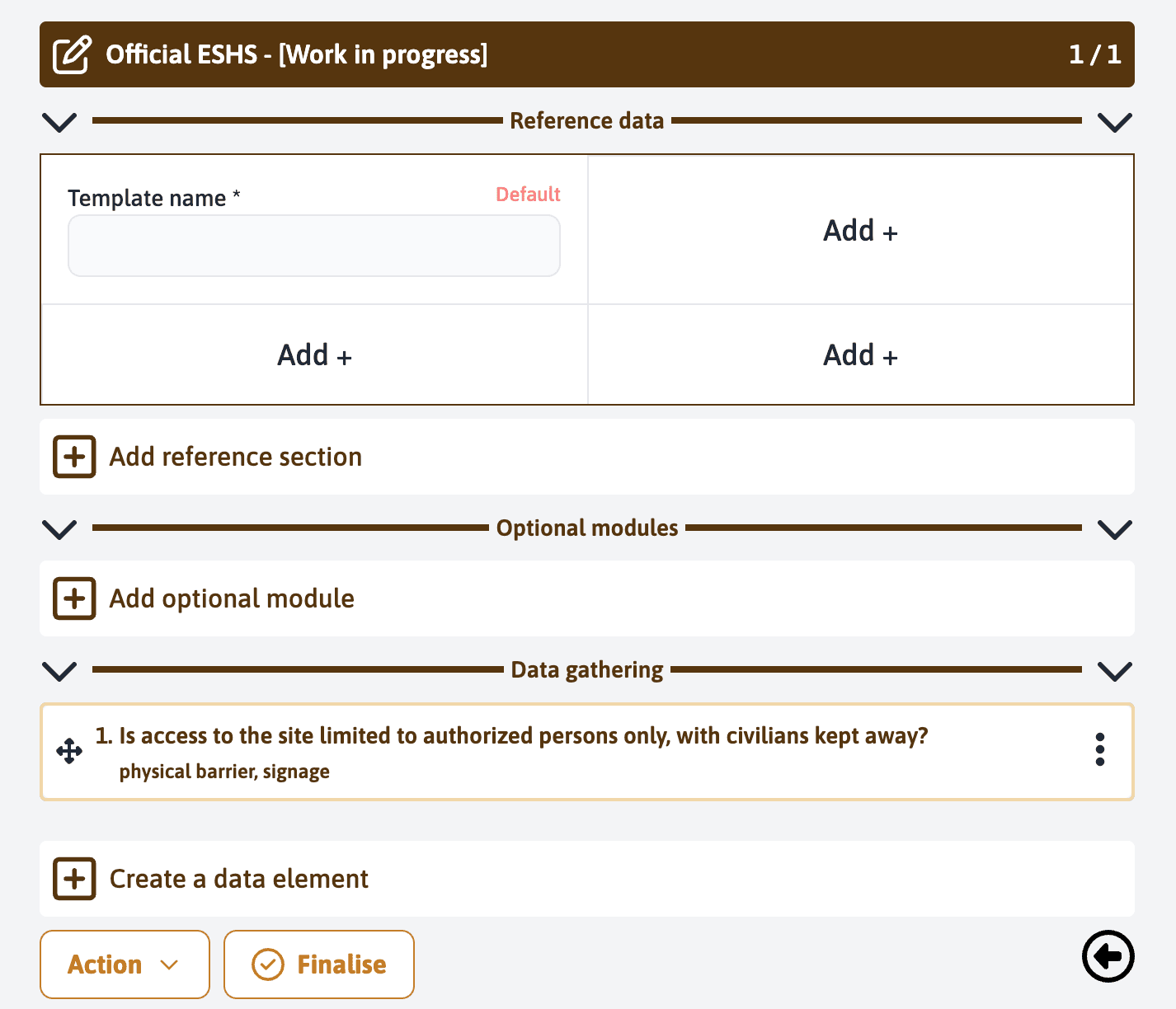
To facilitate the organization of data gathering, you have the possibility to create header elements to group active elements. To do this, click on “Create a data element” to add a new header to your form.
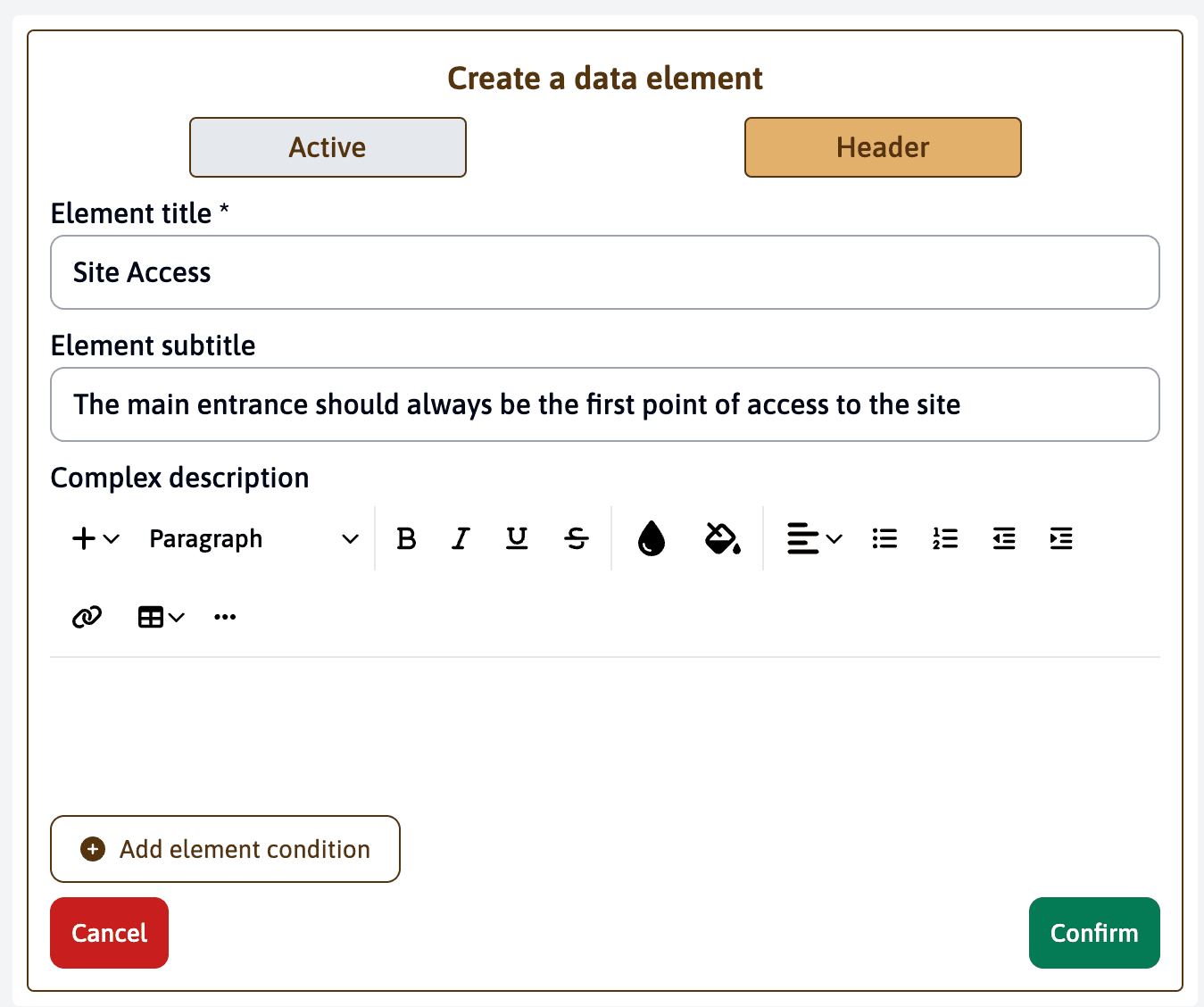
In the “Element title” field, enter the name of the header, for example “Site Access”.
Add a subtitle to provide additional information or instructions, such as “The main entrance should always be the first point of access to the site.”
Make sure the “Header” option is selected.
Once you have filled in the information, click on “Confirm” to create the header element.
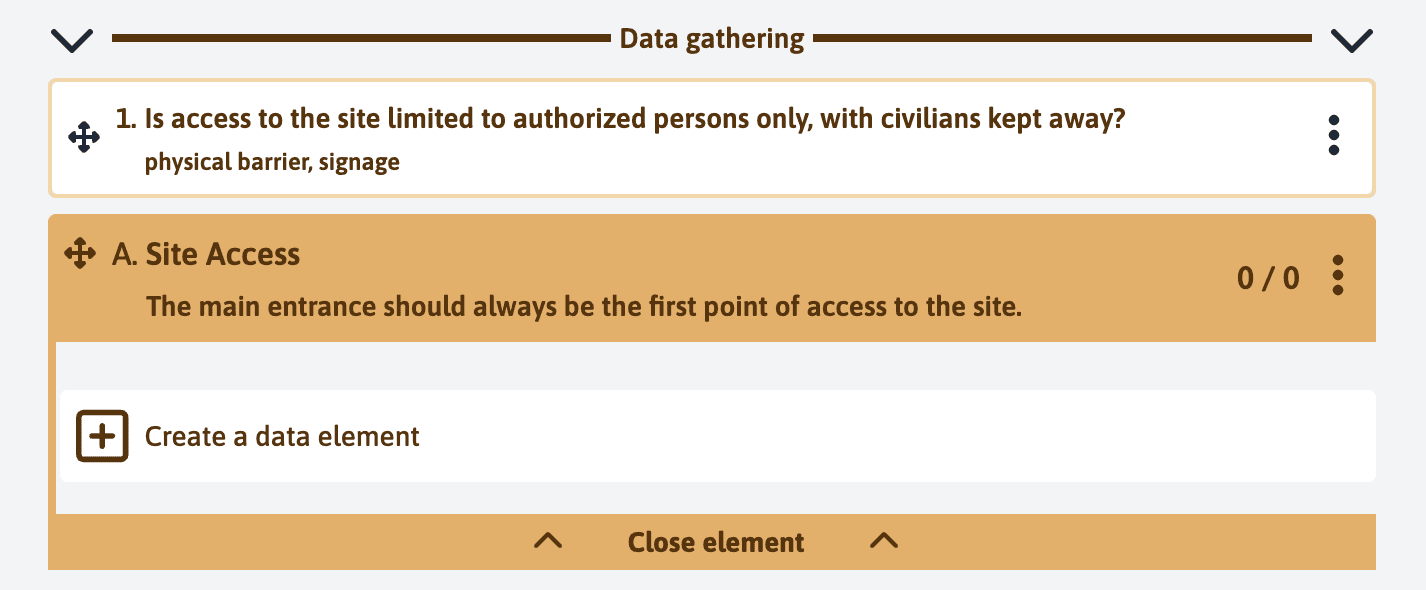
You will see the new header element, “Site Access”, listed under the data gathering elements.
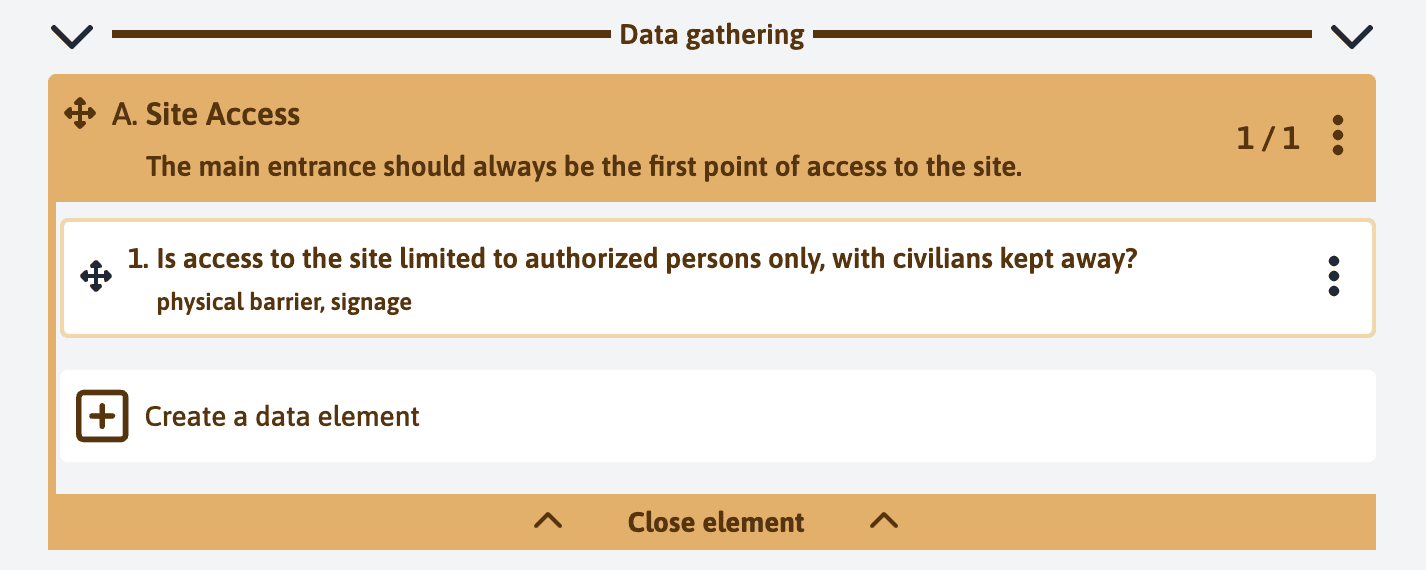
You have the possibility to drag and drop elements inside the header element you just created, allowing you to organize and structure your form in a flexible and intuitive way.
Repeat the operation as many times as necessary to build your form. Click on “Finalise” to complete the creation of your form.