Filter Questions
To filter items during an assessment in Deciris, here’s what you need to do:
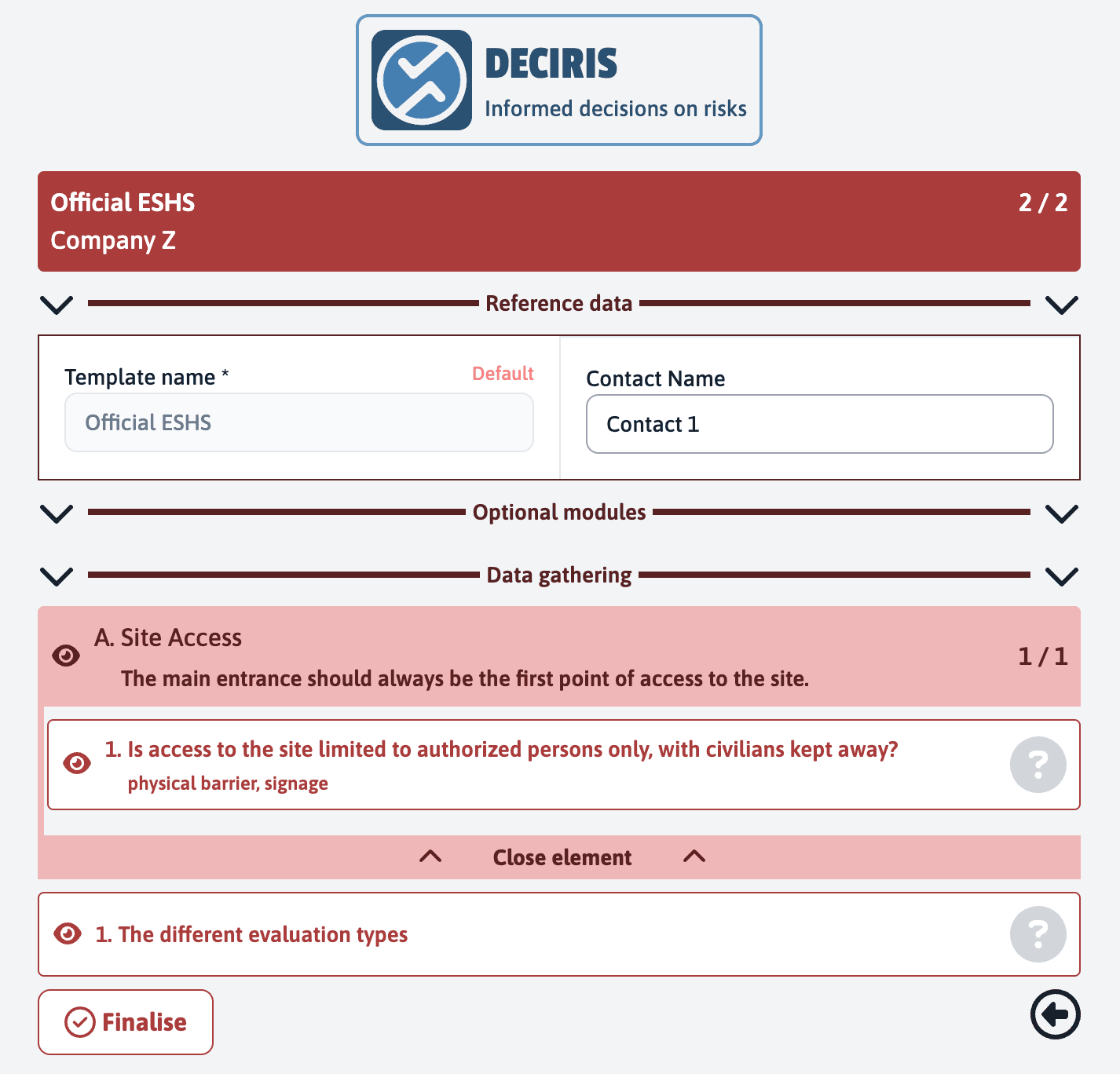
Next to each item listed in your assessment, you will see a small eye icon. To hide a specific item, click on this icon. The item will then no longer be visible in the list.
Once you have finalised the assessment, all the items you chose to hide will not appear in the final report. This allows you to customize the display and focus only on relevant items.
The counter located in the top right corner of the page will be updated to reflect the number of items you have hidden. This gives you a quick overview of the number of items currently visible compared to the initial total.
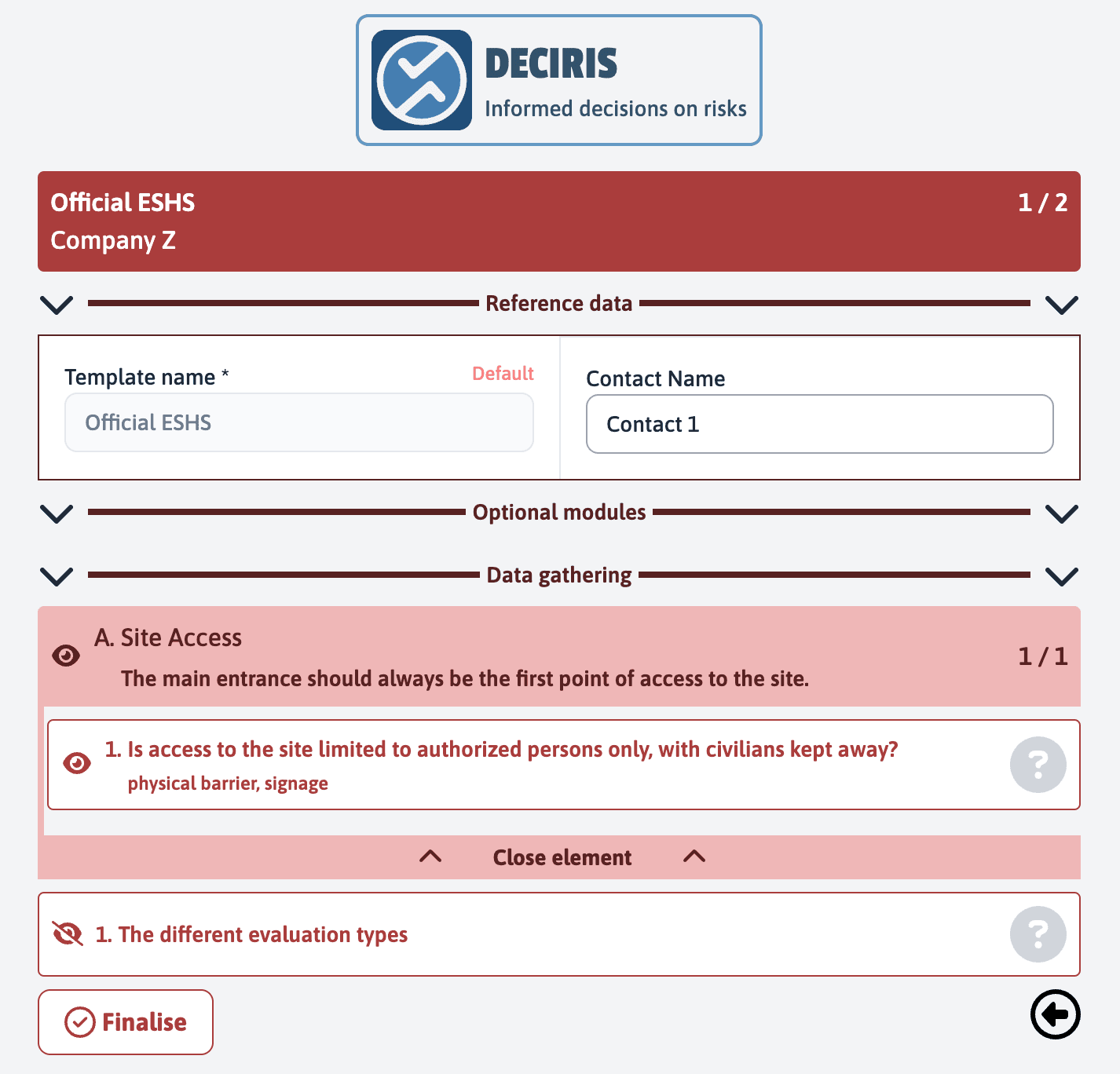
It is also possible to hide an entire item header. By doing this, all the “child” items associated with this header will also be hidden. To do this, click on the eye icon next to the item header.
By using these filtering functions, you can simplify your assessment process by keeping only the most relevant items for your needs. This will make the final report clearer and easier to analyze.